Video
Turn your voice note into a finished edit
My Editor
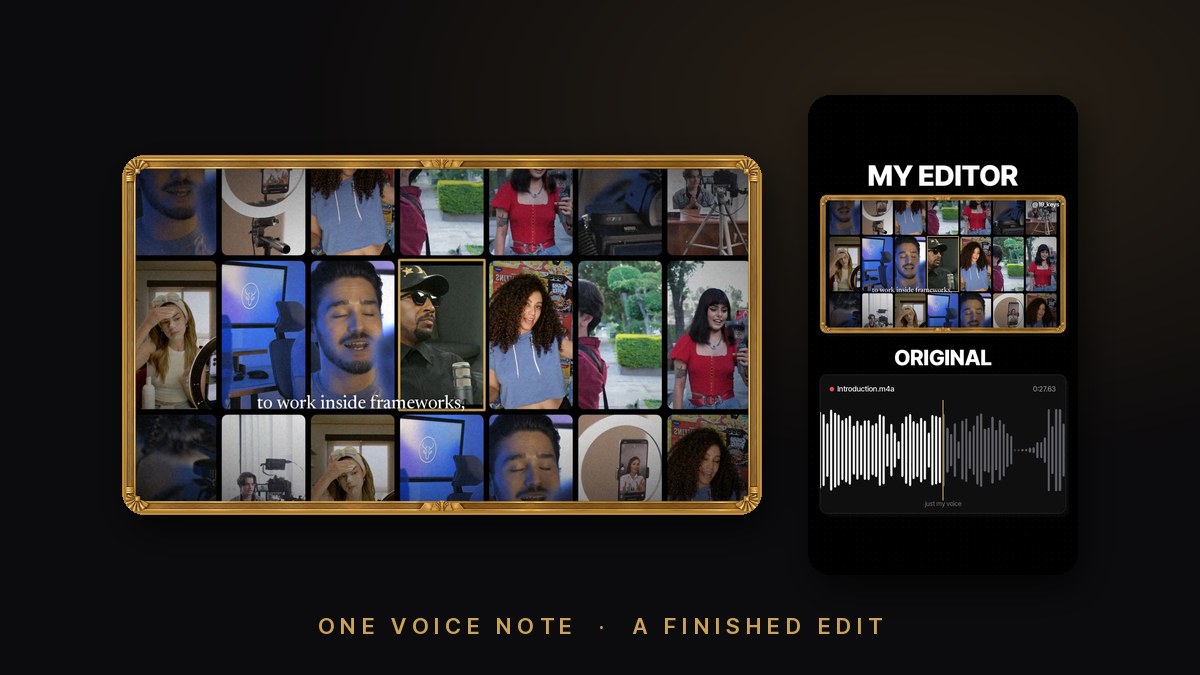
Reads your voice note word by word, keeps the parts that tell the story, puts a shot under every line that shows what you are saying, times the big words to your voice, writes the music, and checks the file before you post.
For members and studentsWhat you get
A finished 16 by 9 edit of your voice note cut from your own footage, a shot for every line, mastered and checked, plus a vertical before and after to post.
Open the guideWhat's inside
- Planning instructions for any AI chat
- The full kit: the scripts that measure, cut, render and check, music written in code and fourteen free sound effects
- An example plan to start from
What you need
- An approved student email or active premium membership
- A voice note and your own videos and photos, plus Claude Code on a Mac or the Claude app
What it won't do
- Approved student or member access only
- Only your words and your footage carry the story; free stock only with its license written down, and nothing is ever posted for you