Design library

88

Make your site move and glow. Preview a design. Copy it. Make it yours.

88 designs

OrbsYou can copy this

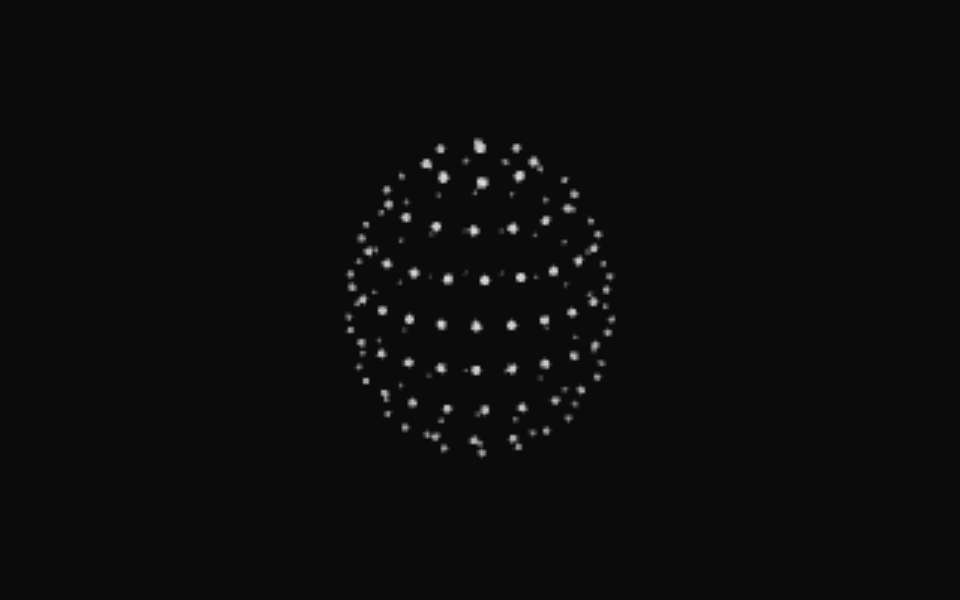
Working Orb

Particles orbit on tilted paths.

Use this design
OrbsYou can copy this

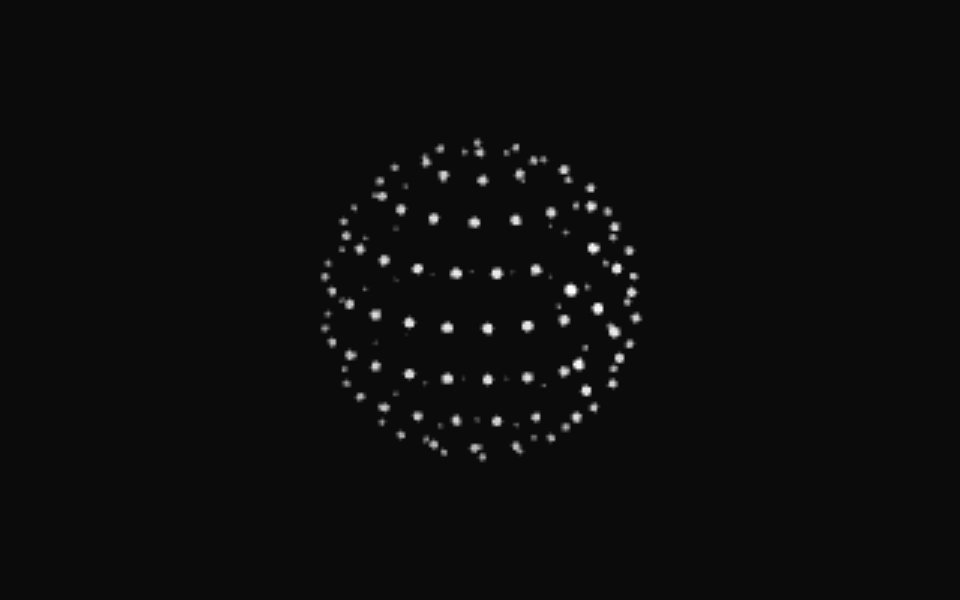
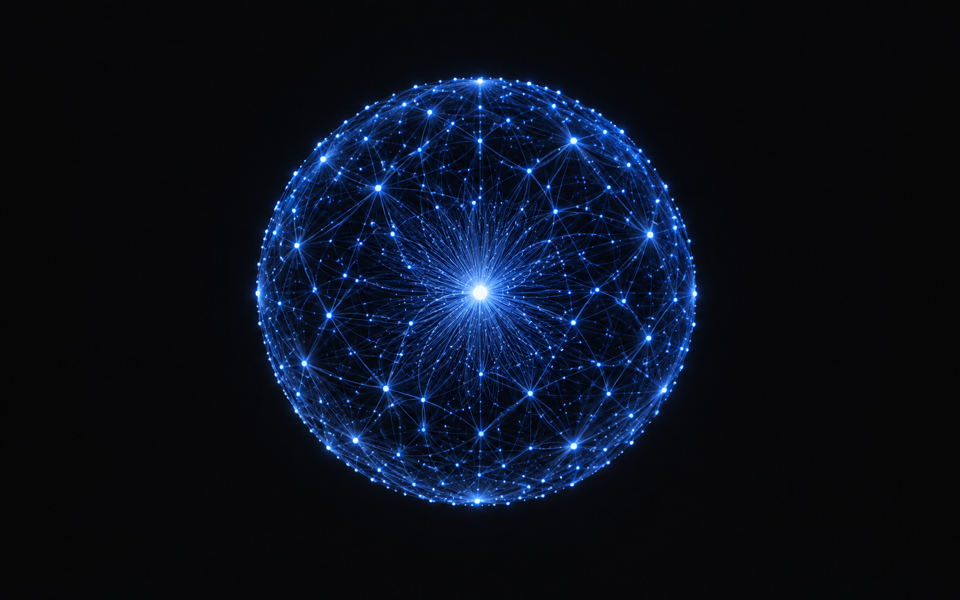
Searching Orb

A scan meridian sweeps a dotted globe.

Use this design
OrbsYou can copy this

Solving Orb

Bands scramble, then click back solved.

Use this design
OrbsYou can copy this

Listening Orb

A waveform rolls through the rings.

Use this design
OrbsYou can copy this

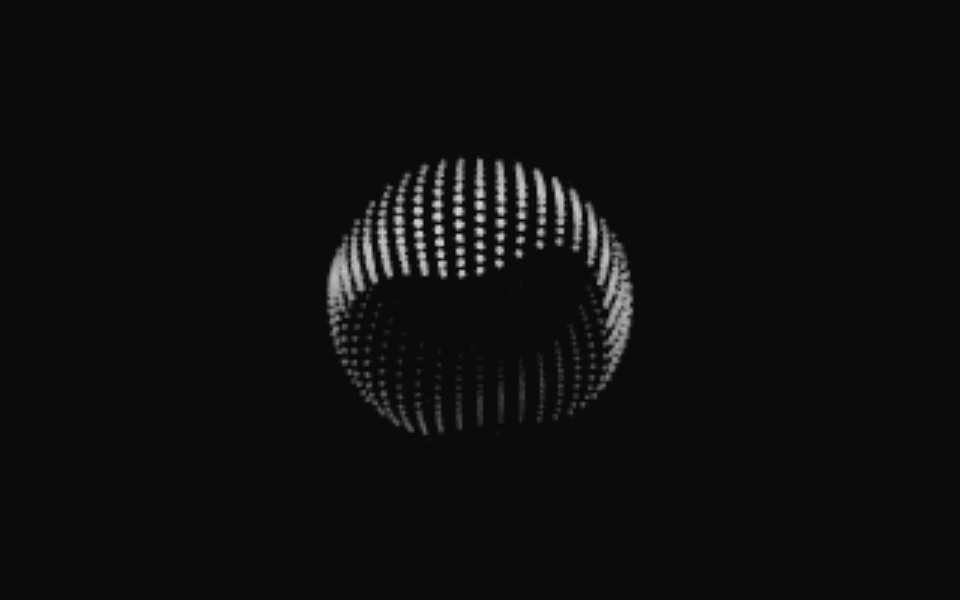
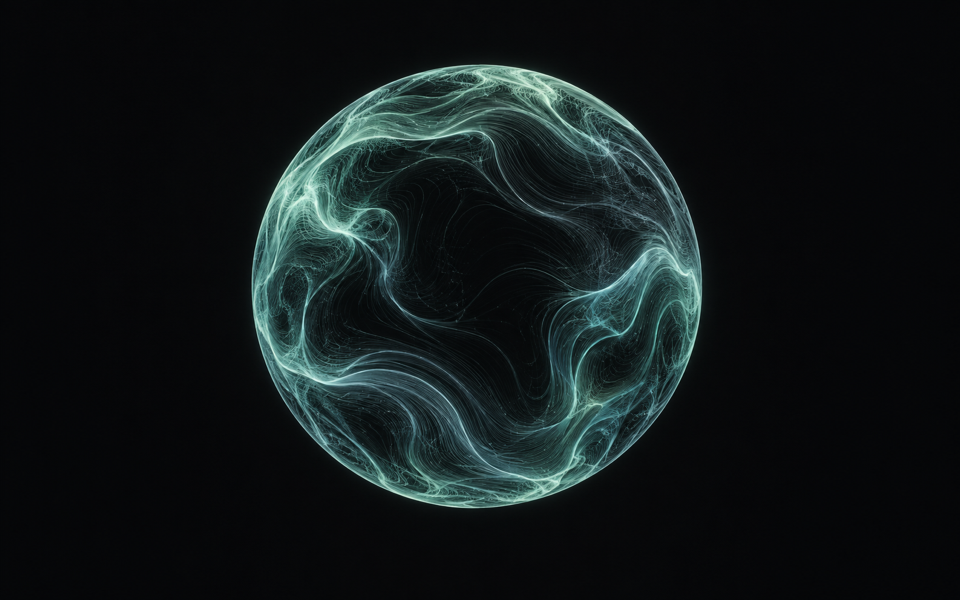
Composing Orb

An undulating multi-band sash.

Use this design
OrbsYou can copy this

Shaping Orb

A dotted outline shifts circle to triangle to square.

Use this design
ParticlesYou can copy this

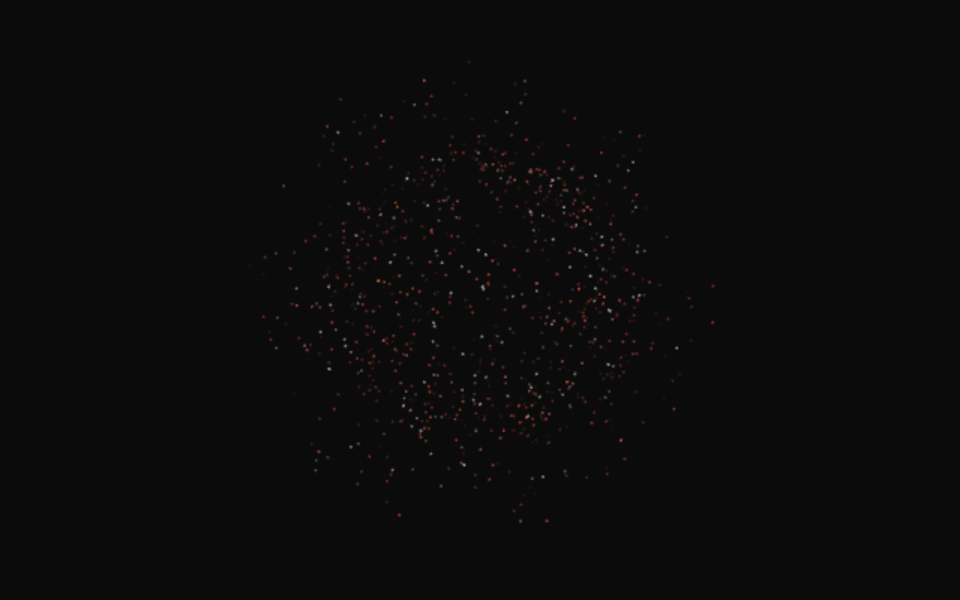
Sovereign Swarm

Orbiting particles with a targeting-reticle pattern.

Use this design
ParticlesYou can copy this

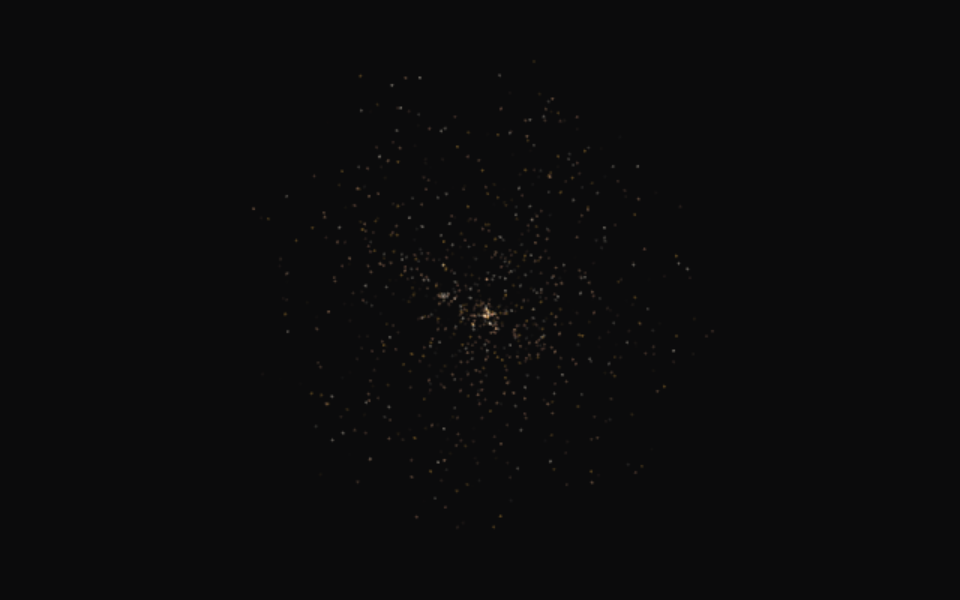
Neural Web

Warm gold particles drift through a flowing field.

Use this design
ParticlesYou can copy this

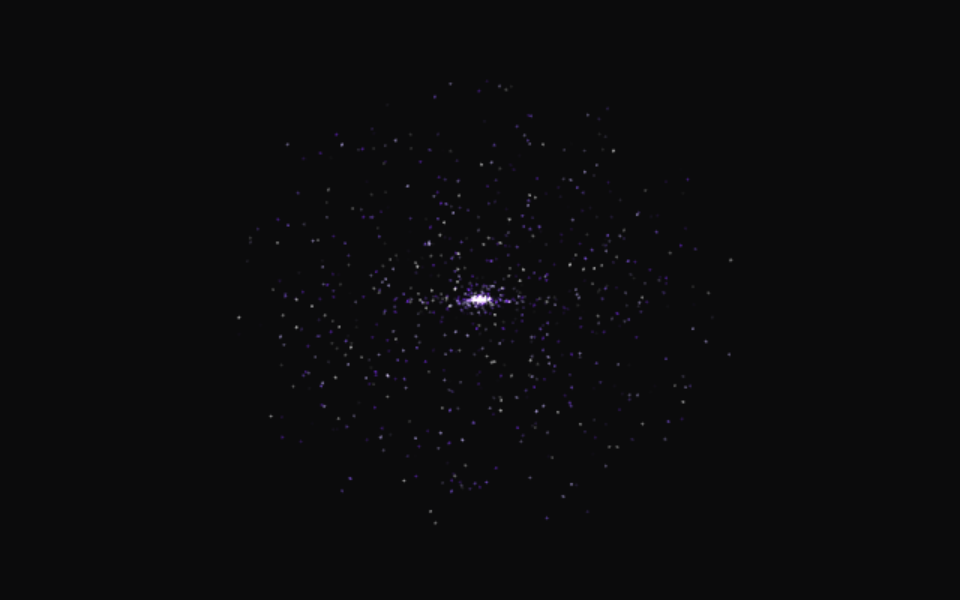
Black Hole

Particles spiral inward through a glowing gravitational vortex.

Use this design
ParticlesYou can copy this

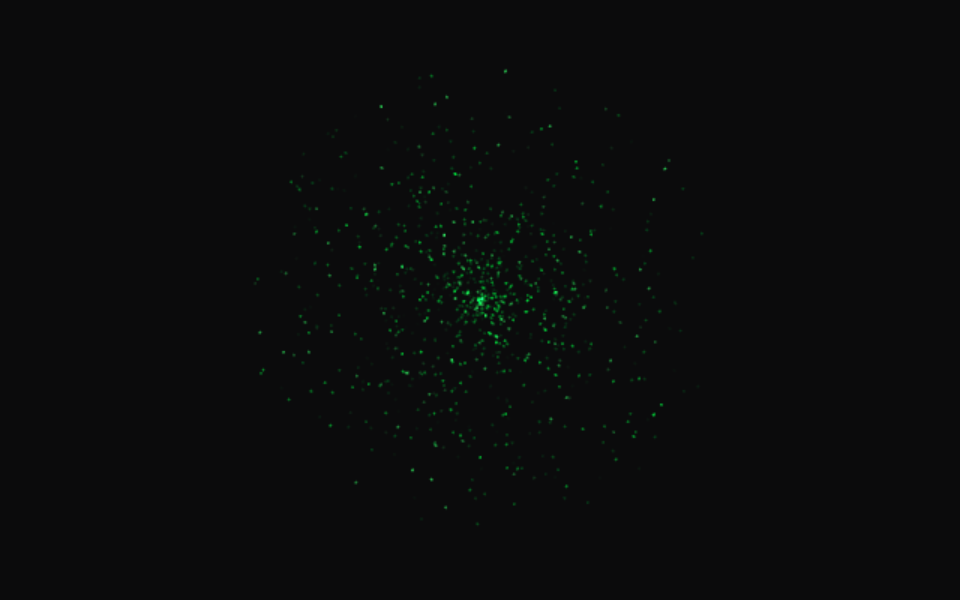
Cypher Stream

Green particles fall in a matrix-style downward data stream.

Use this design
ParticlesYou can copy this

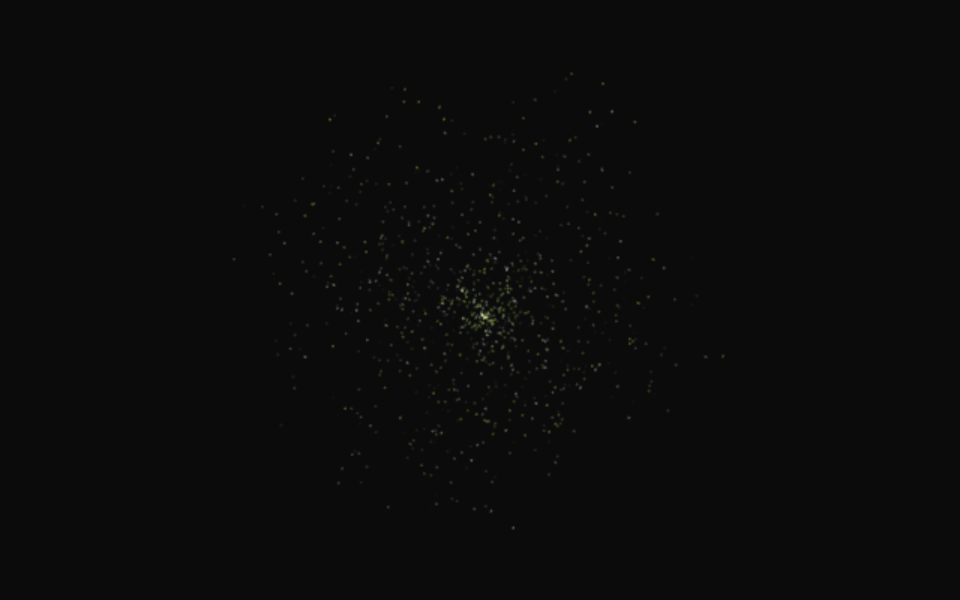
Cognitive Field

Lime and white particles drift slowly through an ambient field.

Use this design
OrbsYou can copy this

Working Orb

Particles orbit on tilted paths.

Source code
/*
MIT License

Copyright (c) 2026 Jakub Antalik

Permission is hereby granted, free of charge, to any person obtaining a copy
of this software and associated documentation files (the "Software"), to deal
in the Software without restriction, including without limitation the rights
to use, copy, modify, merge, publish, distribute, sublicense, and/or sell
copies of the Software, and to permit persons to whom the Software is
furnished to do so, subject to the following conditions:

The above copyright notice and this permission notice shall be included in all
copies or substantial portions of the Software.

THE SOFTWARE IS PROVIDED "AS IS", WITHOUT WARRANTY OF ANY KIND, EXPRESS OR
IMPLIED, INCLUDING BUT NOT LIMITED TO THE WARRANTIES OF MERCHANTABILITY,
FITNESS FOR A PARTICULAR PURPOSE AND NONINFRINGEMENT. IN NO EVENT SHALL THE
AUTHORS OR COPYRIGHT HOLDERS BE LIABLE FOR ANY CLAIM, DAMAGES OR OTHER
LIABILITY, WHETHER IN AN ACTION OF CONTRACT, TORT OR OTHERWISE, ARISING FROM,
OUT OF OR IN CONNECTION WITH THE SOFTWARE OR THE USE OR OTHER DEALINGS IN THE
SOFTWARE.
*/
import React, { useEffect, useState } from 'react';
import { ThinkingOrb } from 'thinking-orbs';

export default function WorkingOrb() {
  const [paused, setPaused] = useState(true);
  const [reduced, setReduced] = useState(false);
  useEffect(() => {
    const media = window.matchMedia('(prefers-reduced-motion: reduce)');
    const sync = () => { setReduced(media.matches); if (media.matches) setPaused(true); };
    const onVisibility = () => { if (document.hidden) setPaused(true); };
    sync(); media.addEventListener('change', sync);
    document.addEventListener('visibilitychange', onVisibility);
    return () => { media.removeEventListener('change', sync); document.removeEventListener('visibilitychange', onVisibility); };
  }, []);
  return <section>
    <ThinkingOrb state="working" size={64} theme="dark" speed={1} paused={paused || reduced} aria-label="working thinking orb" />
    <button type="button" disabled={reduced} onClick={() => setPaused(value => !value)}>{reduced ? 'Motion off' : paused ? 'Play' : 'Pause'}</button>
  </section>;
}
Install
npm install thinking-orbs@0.1.1
Prompt
Use the thinking-orbs working state in [PAGE_OR_COMPONENT]. Preserve existing content and functionality.

Dependencies

React 18+ and thinking-orbs 0.1.1

Use steps

  1. Run the install command in your existing React project.
  2. Save the JSX file in your components folder.
  3. Import its default export and render it on your page.
  4. Use Play/Pause and test your reduced-motion setting.
OrbsYou can copy this

Searching Orb

A scan meridian sweeps a dotted globe.

Source code
/*
MIT License

Copyright (c) 2026 Jakub Antalik

Permission is hereby granted, free of charge, to any person obtaining a copy
of this software and associated documentation files (the "Software"), to deal
in the Software without restriction, including without limitation the rights
to use, copy, modify, merge, publish, distribute, sublicense, and/or sell
copies of the Software, and to permit persons to whom the Software is
furnished to do so, subject to the following conditions:

The above copyright notice and this permission notice shall be included in all
copies or substantial portions of the Software.

THE SOFTWARE IS PROVIDED "AS IS", WITHOUT WARRANTY OF ANY KIND, EXPRESS OR
IMPLIED, INCLUDING BUT NOT LIMITED TO THE WARRANTIES OF MERCHANTABILITY,
FITNESS FOR A PARTICULAR PURPOSE AND NONINFRINGEMENT. IN NO EVENT SHALL THE
AUTHORS OR COPYRIGHT HOLDERS BE LIABLE FOR ANY CLAIM, DAMAGES OR OTHER
LIABILITY, WHETHER IN AN ACTION OF CONTRACT, TORT OR OTHERWISE, ARISING FROM,
OUT OF OR IN CONNECTION WITH THE SOFTWARE OR THE USE OR OTHER DEALINGS IN THE
SOFTWARE.
*/
import React, { useEffect, useState } from 'react';
import { ThinkingOrb } from 'thinking-orbs';

export default function SearchingOrb() {
  const [paused, setPaused] = useState(true);
  const [reduced, setReduced] = useState(false);
  useEffect(() => {
    const media = window.matchMedia('(prefers-reduced-motion: reduce)');
    const sync = () => { setReduced(media.matches); if (media.matches) setPaused(true); };
    const onVisibility = () => { if (document.hidden) setPaused(true); };
    sync(); media.addEventListener('change', sync);
    document.addEventListener('visibilitychange', onVisibility);
    return () => { media.removeEventListener('change', sync); document.removeEventListener('visibilitychange', onVisibility); };
  }, []);
  return <section>
    <ThinkingOrb state="searching" size={64} theme="dark" speed={1} paused={paused || reduced} aria-label="searching thinking orb" />
    <button type="button" disabled={reduced} onClick={() => setPaused(value => !value)}>{reduced ? 'Motion off' : paused ? 'Play' : 'Pause'}</button>
  </section>;
}
Install
npm install thinking-orbs@0.1.1
Prompt
Use the thinking-orbs searching state in [PAGE_OR_COMPONENT]. Preserve existing content and functionality.

Dependencies

React 18+ and thinking-orbs 0.1.1

Use steps

  1. Run the install command in your existing React project.
  2. Save the JSX file in your components folder.
  3. Import its default export and render it on your page.
  4. Use Play/Pause and test your reduced-motion setting.
OrbsYou can copy this

Solving Orb

Bands scramble, then click back solved.

Source code
/*
MIT License

Copyright (c) 2026 Jakub Antalik

Permission is hereby granted, free of charge, to any person obtaining a copy
of this software and associated documentation files (the "Software"), to deal
in the Software without restriction, including without limitation the rights
to use, copy, modify, merge, publish, distribute, sublicense, and/or sell
copies of the Software, and to permit persons to whom the Software is
furnished to do so, subject to the following conditions:

The above copyright notice and this permission notice shall be included in all
copies or substantial portions of the Software.

THE SOFTWARE IS PROVIDED "AS IS", WITHOUT WARRANTY OF ANY KIND, EXPRESS OR
IMPLIED, INCLUDING BUT NOT LIMITED TO THE WARRANTIES OF MERCHANTABILITY,
FITNESS FOR A PARTICULAR PURPOSE AND NONINFRINGEMENT. IN NO EVENT SHALL THE
AUTHORS OR COPYRIGHT HOLDERS BE LIABLE FOR ANY CLAIM, DAMAGES OR OTHER
LIABILITY, WHETHER IN AN ACTION OF CONTRACT, TORT OR OTHERWISE, ARISING FROM,
OUT OF OR IN CONNECTION WITH THE SOFTWARE OR THE USE OR OTHER DEALINGS IN THE
SOFTWARE.
*/
import React, { useEffect, useState } from 'react';
import { ThinkingOrb } from 'thinking-orbs';

export default function SolvingOrb() {
  const [paused, setPaused] = useState(true);
  const [reduced, setReduced] = useState(false);
  useEffect(() => {
    const media = window.matchMedia('(prefers-reduced-motion: reduce)');
    const sync = () => { setReduced(media.matches); if (media.matches) setPaused(true); };
    const onVisibility = () => { if (document.hidden) setPaused(true); };
    sync(); media.addEventListener('change', sync);
    document.addEventListener('visibilitychange', onVisibility);
    return () => { media.removeEventListener('change', sync); document.removeEventListener('visibilitychange', onVisibility); };
  }, []);
  return <section>
    <ThinkingOrb state="solving" size={64} theme="dark" speed={1} paused={paused || reduced} aria-label="solving thinking orb" />
    <button type="button" disabled={reduced} onClick={() => setPaused(value => !value)}>{reduced ? 'Motion off' : paused ? 'Play' : 'Pause'}</button>
  </section>;
}
Install
npm install thinking-orbs@0.1.1
Prompt
Use the thinking-orbs solving state in [PAGE_OR_COMPONENT]. Preserve existing content and functionality.

Dependencies

React 18+ and thinking-orbs 0.1.1

Use steps

  1. Run the install command in your existing React project.
  2. Save the JSX file in your components folder.
  3. Import its default export and render it on your page.
  4. Use Play/Pause and test your reduced-motion setting.
OrbsYou can copy this

Listening Orb

A waveform rolls through the rings.

Source code
/*
MIT License

Copyright (c) 2026 Jakub Antalik

Permission is hereby granted, free of charge, to any person obtaining a copy
of this software and associated documentation files (the "Software"), to deal
in the Software without restriction, including without limitation the rights
to use, copy, modify, merge, publish, distribute, sublicense, and/or sell
copies of the Software, and to permit persons to whom the Software is
furnished to do so, subject to the following conditions:

The above copyright notice and this permission notice shall be included in all
copies or substantial portions of the Software.

THE SOFTWARE IS PROVIDED "AS IS", WITHOUT WARRANTY OF ANY KIND, EXPRESS OR
IMPLIED, INCLUDING BUT NOT LIMITED TO THE WARRANTIES OF MERCHANTABILITY,
FITNESS FOR A PARTICULAR PURPOSE AND NONINFRINGEMENT. IN NO EVENT SHALL THE
AUTHORS OR COPYRIGHT HOLDERS BE LIABLE FOR ANY CLAIM, DAMAGES OR OTHER
LIABILITY, WHETHER IN AN ACTION OF CONTRACT, TORT OR OTHERWISE, ARISING FROM,
OUT OF OR IN CONNECTION WITH THE SOFTWARE OR THE USE OR OTHER DEALINGS IN THE
SOFTWARE.
*/
import React, { useEffect, useState } from 'react';
import { ThinkingOrb } from 'thinking-orbs';

export default function ListeningOrb() {
  const [paused, setPaused] = useState(true);
  const [reduced, setReduced] = useState(false);
  useEffect(() => {
    const media = window.matchMedia('(prefers-reduced-motion: reduce)');
    const sync = () => { setReduced(media.matches); if (media.matches) setPaused(true); };
    const onVisibility = () => { if (document.hidden) setPaused(true); };
    sync(); media.addEventListener('change', sync);
    document.addEventListener('visibilitychange', onVisibility);
    return () => { media.removeEventListener('change', sync); document.removeEventListener('visibilitychange', onVisibility); };
  }, []);
  return <section>
    <ThinkingOrb state="listening" size={64} theme="dark" speed={1} paused={paused || reduced} aria-label="listening thinking orb" />
    <button type="button" disabled={reduced} onClick={() => setPaused(value => !value)}>{reduced ? 'Motion off' : paused ? 'Play' : 'Pause'}</button>
  </section>;
}
Install
npm install thinking-orbs@0.1.1
Prompt
Use the thinking-orbs listening state in [PAGE_OR_COMPONENT]. Preserve existing content and functionality.

Dependencies

React 18+ and thinking-orbs 0.1.1

Use steps

  1. Run the install command in your existing React project.
  2. Save the JSX file in your components folder.
  3. Import its default export and render it on your page.
  4. Use Play/Pause and test your reduced-motion setting.
OrbsYou can copy this

Composing Orb

An undulating multi-band sash.

Source code
/*
MIT License

Copyright (c) 2026 Jakub Antalik

Permission is hereby granted, free of charge, to any person obtaining a copy
of this software and associated documentation files (the "Software"), to deal
in the Software without restriction, including without limitation the rights
to use, copy, modify, merge, publish, distribute, sublicense, and/or sell
copies of the Software, and to permit persons to whom the Software is
furnished to do so, subject to the following conditions:

The above copyright notice and this permission notice shall be included in all
copies or substantial portions of the Software.

THE SOFTWARE IS PROVIDED "AS IS", WITHOUT WARRANTY OF ANY KIND, EXPRESS OR
IMPLIED, INCLUDING BUT NOT LIMITED TO THE WARRANTIES OF MERCHANTABILITY,
FITNESS FOR A PARTICULAR PURPOSE AND NONINFRINGEMENT. IN NO EVENT SHALL THE
AUTHORS OR COPYRIGHT HOLDERS BE LIABLE FOR ANY CLAIM, DAMAGES OR OTHER
LIABILITY, WHETHER IN AN ACTION OF CONTRACT, TORT OR OTHERWISE, ARISING FROM,
OUT OF OR IN CONNECTION WITH THE SOFTWARE OR THE USE OR OTHER DEALINGS IN THE
SOFTWARE.
*/
import React, { useEffect, useState } from 'react';
import { ThinkingOrb } from 'thinking-orbs';

export default function ComposingOrb() {
  const [paused, setPaused] = useState(true);
  const [reduced, setReduced] = useState(false);
  useEffect(() => {
    const media = window.matchMedia('(prefers-reduced-motion: reduce)');
    const sync = () => { setReduced(media.matches); if (media.matches) setPaused(true); };
    const onVisibility = () => { if (document.hidden) setPaused(true); };
    sync(); media.addEventListener('change', sync);
    document.addEventListener('visibilitychange', onVisibility);
    return () => { media.removeEventListener('change', sync); document.removeEventListener('visibilitychange', onVisibility); };
  }, []);
  return <section>
    <ThinkingOrb state="composing" size={64} theme="dark" speed={1} paused={paused || reduced} aria-label="composing thinking orb" />
    <button type="button" disabled={reduced} onClick={() => setPaused(value => !value)}>{reduced ? 'Motion off' : paused ? 'Play' : 'Pause'}</button>
  </section>;
}
Install
npm install thinking-orbs@0.1.1
Prompt
Use the thinking-orbs composing state in [PAGE_OR_COMPONENT]. Preserve existing content and functionality.

Dependencies

React 18+ and thinking-orbs 0.1.1

Use steps

  1. Run the install command in your existing React project.
  2. Save the JSX file in your components folder.
  3. Import its default export and render it on your page.
  4. Use Play/Pause and test your reduced-motion setting.
OrbsYou can copy this

Shaping Orb

A dotted outline shifts circle to triangle to square.

Source code
/*
MIT License

Copyright (c) 2026 Jakub Antalik

Permission is hereby granted, free of charge, to any person obtaining a copy
of this software and associated documentation files (the "Software"), to deal
in the Software without restriction, including without limitation the rights
to use, copy, modify, merge, publish, distribute, sublicense, and/or sell
copies of the Software, and to permit persons to whom the Software is
furnished to do so, subject to the following conditions:

The above copyright notice and this permission notice shall be included in all
copies or substantial portions of the Software.

THE SOFTWARE IS PROVIDED "AS IS", WITHOUT WARRANTY OF ANY KIND, EXPRESS OR
IMPLIED, INCLUDING BUT NOT LIMITED TO THE WARRANTIES OF MERCHANTABILITY,
FITNESS FOR A PARTICULAR PURPOSE AND NONINFRINGEMENT. IN NO EVENT SHALL THE
AUTHORS OR COPYRIGHT HOLDERS BE LIABLE FOR ANY CLAIM, DAMAGES OR OTHER
LIABILITY, WHETHER IN AN ACTION OF CONTRACT, TORT OR OTHERWISE, ARISING FROM,
OUT OF OR IN CONNECTION WITH THE SOFTWARE OR THE USE OR OTHER DEALINGS IN THE
SOFTWARE.
*/
import React, { useEffect, useState } from 'react';
import { ThinkingOrb } from 'thinking-orbs';

export default function ShapingOrb() {
  const [paused, setPaused] = useState(true);
  const [reduced, setReduced] = useState(false);
  useEffect(() => {
    const media = window.matchMedia('(prefers-reduced-motion: reduce)');
    const sync = () => { setReduced(media.matches); if (media.matches) setPaused(true); };
    const onVisibility = () => { if (document.hidden) setPaused(true); };
    sync(); media.addEventListener('change', sync);
    document.addEventListener('visibilitychange', onVisibility);
    return () => { media.removeEventListener('change', sync); document.removeEventListener('visibilitychange', onVisibility); };
  }, []);
  return <section>
    <ThinkingOrb state="shaping" size={64} theme="dark" speed={1} paused={paused || reduced} aria-label="shaping thinking orb" />
    <button type="button" disabled={reduced} onClick={() => setPaused(value => !value)}>{reduced ? 'Motion off' : paused ? 'Play' : 'Pause'}</button>
  </section>;
}
Install
npm install thinking-orbs@0.1.1
Prompt
Use the thinking-orbs shaping state in [PAGE_OR_COMPONENT]. Preserve existing content and functionality.

Dependencies

React 18+ and thinking-orbs 0.1.1

Use steps

  1. Run the install command in your existing React project.
  2. Save the JSX file in your components folder.
  3. Import its default export and render it on your page.
  4. Use Play/Pause and test your reduced-motion setting.
ParticlesYou can copy this

Sovereign Swarm

Orbiting particles with a targeting-reticle pattern.

Source code
<!-- Co-Creator preview. Owner-authored Sovereign Particles engine and preset configuration bundled; no third-party license grant. -->
<!doctype html><html lang="en"><head><meta charset="utf-8"><meta name="viewport" content="width=device-width,initial-scale=1"><meta http-equiv="Content-Security-Policy" content="default-src 'none'; script-src 'unsafe-inline'; style-src 'unsafe-inline'; img-src data:; connect-src 'none'; base-uri 'none'; form-action 'none'; frame-src 'none'"><style>html,body{margin:0;min-height:100%;background:#0b0b0c;color:#ededed;font:14px/1.4 system-ui,sans-serif}main{min-height:100vh;display:grid;grid-template-rows:minmax(220px,1fr) auto}#particle-stage{position:relative;min-height:320px;overflow:hidden}canvas{position:absolute;inset:0;width:100%;height:100%;pointer-events:none}.info{display:flex;gap:16px;align-items:center;justify-content:space-between;padding:12px 16px;border-top:1px solid #29292b}.info p{margin:0;color:#bebec2}.info button{border:1px solid #69696f;border-radius:999px;background:#18181a;color:#fff;padding:7px 14px;font:inherit;cursor:pointer}@media (max-width:420px){.info{align-items:flex-start;flex-direction:column;gap:8px}}@media (prefers-reduced-motion:reduce){.info button{display:none}}@media print{.info{display:none}}</style><style>body.embed,body.embed main{height:100vh;min-height:0}body.embed main{grid-template-rows:1fr}body.embed #particle-stage{min-height:0;height:100%}body.embed .info{display:none}</style></head><body><main><div id="particle-stage"></div><section class="info"><p>Preview uses 1000 particles; increase <code>count</code> in config for production.</p><button id="toggle" type="button">Play</button></section></main><script>if(new URLSearchParams(location.search).get("embed")==="1")document.body.className="embed";</script><script>(() => {
  var __defProp = Object.defineProperty;
  var __defNormalProp = (obj, key, value) => key in obj ? __defProp(obj, key, { enumerable: true, configurable: true, writable: true, value }) : obj[key] = value;
  var __publicField = (obj, key, value) => __defNormalProp(obj, typeof key !== "symbol" ? key + "" : key, value);

  // ../../sovereign-particles/src/core/engine.ts
  var ParticleEngine = class {
    constructor(config2) {
      __publicField(this, "particles");
      __publicField(this, "config");
      __publicField(this, "time");
      this.config = config2;
      this.time = 0;
      this.particles = [];
      this.init();
    }
    init() {
      this.particles = [];
      for (let i = 0; i < this.config.count; i++) {
        this.particles.push(this.spawnParticle(i));
      }
      this.updateShapeTargets();
    }
    spawnParticle(index) {
      const { spawnRadius, baseSize, sizeVariance, colors, maxLife, alphaRange, is3D, shape, shapeSnap } = this.config;
      let x, y, z;
      if (shape && shapeSnap) {
        const pos = shape(index, this.config.count, 0);
        x = pos[0];
        y = pos[1];
        z = pos[2];
      } else {
        const theta = Math.random() * Math.PI * 2;
        const phi = Math.acos(2 * Math.random() - 1);
        const r = Math.random() * spawnRadius;
        x = r * Math.sin(phi) * Math.cos(theta);
        y = r * Math.sin(phi) * Math.sin(theta);
        z = is3D ? r * Math.cos(phi) : 0;
      }
      const color = colors[Math.floor(Math.random() * colors.length)];
      return {
        x,
        y,
        z,
        vx: (Math.random() - 0.5) * 0.02,
        vy: (Math.random() - 0.5) * 0.02,
        vz: is3D ? (Math.random() - 0.5) * 0.02 : 0,
        tx: x,
        ty: y,
        tz: z,
        r: color[0],
        g: color[1],
        b: color[2],
        a: alphaRange[0] + Math.random() * (alphaRange[1] - alphaRange[0]),
        size: baseSize + (Math.random() - 0.5) * sizeVariance,
        life: Math.random() * maxLife,
        maxLife,
        index
      };
    }
    /** Recalculate shape target positions for all particles */
    updateShapeTargets() {
      const { shape } = this.config;
      if (!shape) return;
      const count = this.particles.length;
      for (let i = 0; i < count; i++) {
        const pos = shape(i, count, this.time);
        this.particles[i].tx = pos[0];
        this.particles[i].ty = pos[1];
        this.particles[i].tz = pos[2];
      }
    }
    /** Set a new shape (triggers retargeting) */
    setShape(shape) {
      this.config.shape = shape;
      if (shape) this.updateShapeTargets();
    }
    update(dt) {
      this.time += dt;
      const { forces, damping, speed, loop, shape, shapeAttract = 0.05, shapeNoise = 0 } = this.config;
      if (shape) {
        this.updateShapeTargets();
      }
      for (let i = 0; i < this.particles.length; i++) {
        const p = this.particles[i];
        if (shape && shapeAttract > 0) {
          const dx = p.tx - p.x;
          const dy = p.ty - p.y;
          const dz = p.tz - p.z;
          p.vx += dx * shapeAttract;
          p.vy += dy * shapeAttract;
          p.vz += dz * shapeAttract;
          if (shapeNoise > 0) {
            p.vx += Math.sin(p.index * 137.508 + this.time * 2) * shapeNoise * 0.01;
            p.vy += Math.cos(p.index * 97.3 + this.time * 1.7) * shapeNoise * 0.01;
          }
        }
        for (const force of forces) {
          this.applyForce(p, force);
        }
        p.x += p.vx * speed * dt;
        p.y += p.vy * speed * dt;
        p.z += p.vz * speed * dt;
        p.vx *= damping;
        p.vy *= damping;
        p.vz *= damping;
        p.life -= dt;
        const lifeRatio = Math.max(0, p.life / p.maxLife);
        p.a = lifeRatio * this.config.alphaRange[1];
        if (p.life <= 0 && loop) {
          const fresh = this.spawnParticle(p.index);
          Object.assign(p, fresh);
        }
      }
    }
    applyForce(p, force) {
      const cx = force.center?.[0] ?? 0;
      const cy = force.center?.[1] ?? 0;
      const cz = force.center?.[2] ?? 0;
      const dx = cx - p.x;
      const dy = cy - p.y;
      const dz = cz - p.z;
      const dist = Math.sqrt(dx * dx + dy * dy + dz * dz) + 1e-3;
      const s = force.strength;
      switch (force.type) {
        case "attractor": {
          const f = s / (dist * dist + 0.5);
          p.vx += dx / dist * f;
          p.vy += dy / dist * f;
          p.vz += dz / dist * f;
          break;
        }
        case "repulsor": {
          const f = s / (dist * dist + 0.5);
          p.vx -= dx / dist * f;
          p.vy -= dy / dist * f;
          p.vz -= dz / dist * f;
          break;
        }
        case "vortex": {
          const ax = force.axis?.[0] ?? 0;
          const ay = force.axis?.[1] ?? 1;
          const az = force.axis?.[2] ?? 0;
          const f = s / (dist + 1);
          p.vx += (dy * az - dz * ay) * f;
          p.vy += (dz * ax - dx * az) * f;
          p.vz += (dx * ay - dy * ax) * f;
          break;
        }
        case "orbit": {
          const f = s / (dist + 0.5);
          p.vx += -dy / dist * f;
          p.vy += dx / dist * f;
          p.vx += dx / dist * f * 0.1;
          p.vy += dy / dist * f * 0.1;
          break;
        }
        case "noise": {
          const freq = force.frequency ?? 1;
          const sc = force.scale ?? 1;
          p.vx += Math.sin(p.y * freq + this.time * 0.5) * s * sc * 0.01;
          p.vy += Math.cos(p.x * freq + this.time * 0.7) * s * sc * 0.01;
          p.vz += Math.sin((p.x + p.y) * freq + this.time * 0.3) * s * sc * 0.01;
          break;
        }
        case "gravity": {
          p.vy -= s * 1e-3;
          break;
        }
        case "flow": {
          const freq = force.frequency ?? 1;
          p.vx += Math.sin(p.y * freq + this.time) * s * 5e-3;
          p.vy += Math.cos(p.x * freq + this.time * 0.8) * s * 5e-3;
          break;
        }
      }
    }
    /** Get flat position array for GPU buffers [x,y,z, x,y,z, ...] */
    getPositions() {
      const arr = new Float32Array(this.particles.length * 3);
      for (let i = 0; i < this.particles.length; i++) {
        arr[i * 3] = this.particles[i].x;
        arr[i * 3 + 1] = this.particles[i].y;
        arr[i * 3 + 2] = this.particles[i].z;
      }
      return arr;
    }
    /** Get flat color array [r,g,b,a, r,g,b,a, ...] */
    getColors() {
      const arr = new Float32Array(this.particles.length * 4);
      for (let i = 0; i < this.particles.length; i++) {
        arr[i * 4] = this.particles[i].r;
        arr[i * 4 + 1] = this.particles[i].g;
        arr[i * 4 + 2] = this.particles[i].b;
        arr[i * 4 + 3] = this.particles[i].a;
      }
      return arr;
    }
    /** Get flat size array */
    getSizes() {
      const arr = new Float32Array(this.particles.length);
      for (let i = 0; i < this.particles.length; i++) {
        arr[i] = this.particles[i].size;
      }
      return arr;
    }
    /** Reset with new config */
    reconfigure(config2) {
      Object.assign(this.config, config2);
      this.init();
    }
  };

  // ../../sovereign-particles/src/core/presets.ts
  var hex = (h) => [
    parseInt(h.slice(1, 3), 16) / 255,
    parseInt(h.slice(3, 5), 16) / 255,
    parseInt(h.slice(5, 7), 16) / 255
  ];
  var SOVEREIGN_SWARM = {
    count: 8e3,
    spawnRadius: 5,
    baseSize: 0.03,
    sizeVariance: 0.02,
    speed: 1.2,
    damping: 0.985,
    colors: [hex("#FF5841"), hex("#FF7A68"), hex("#CC4633"), hex("#FFFFFF")],
    forces: [
      { type: "orbit", strength: 0.15, center: [0, 0, 0] },
      { type: "attractor", strength: 0.02, center: [0, 0, 0] },
      { type: "noise", strength: 0.8, frequency: 2, scale: 1 }
    ],
    loop: true,
    maxLife: 8,
    alphaRange: [0.1, 0.7],
    is3D: true,
    trailLength: 0
  };
  var NEURAL_WEB = {
    count: 4e3,
    spawnRadius: 6,
    baseSize: 0.04,
    sizeVariance: 0.03,
    speed: 0.6,
    damping: 0.992,
    colors: [hex("#D5A078"), hex("#C5923A"), hex("#E8DCC8"), hex("#A0715A")],
    forces: [
      { type: "flow", strength: 1.2, frequency: 0.8 },
      { type: "attractor", strength: 8e-3, center: [0, 0, 0] },
      { type: "noise", strength: 1.5, frequency: 1.5, scale: 1 }
    ],
    loop: true,
    maxLife: 12,
    alphaRange: [0.05, 0.5],
    is3D: true,
    trailLength: 0
  };
  var BLACK_HOLE = {
    count: 12e3,
    spawnRadius: 8,
    baseSize: 0.025,
    sizeVariance: 0.015,
    speed: 1.5,
    damping: 0.978,
    colors: [hex("#8B5CF6"), hex("#C4B5FD"), hex("#6D28D9"), hex("#FFFFFF")],
    forces: [
      { type: "attractor", strength: 0.25, center: [0, 0, 0] },
      { type: "vortex", strength: 0.12, center: [0, 0, 0], axis: [0, 1, 0] },
      { type: "noise", strength: 0.3, frequency: 3, scale: 0.5 }
    ],
    loop: true,
    maxLife: 6,
    alphaRange: [0.15, 0.85],
    is3D: true,
    trailLength: 0
  };
  var CYPHER_STREAM = {
    count: 6e3,
    spawnRadius: 8,
    baseSize: 0.02,
    sizeVariance: 0.015,
    speed: 1,
    damping: 0.995,
    colors: [hex("#00FF41"), hex("#00CC34"), hex("#33FF66"), hex("#006622")],
    forces: [
      { type: "gravity", strength: 3 },
      { type: "noise", strength: 0.5, frequency: 4, scale: 0.3 },
      { type: "flow", strength: 0.3, frequency: 2 }
    ],
    loop: true,
    maxLife: 5,
    alphaRange: [0.1, 0.9],
    is3D: false,
    trailLength: 0
  };
  var COGNITIVE_FIELD = {
    count: 3e3,
    spawnRadius: 7,
    baseSize: 0.05,
    sizeVariance: 0.04,
    speed: 0.3,
    damping: 0.997,
    colors: [hex("#D5FF5A"), hex("#A0CC44"), hex("#E8FFB0"), hex("#FFFFFF")],
    forces: [
      { type: "flow", strength: 0.8, frequency: 0.5 },
      { type: "noise", strength: 2, frequency: 0.8, scale: 1.5 }
    ],
    loop: true,
    maxLife: 15,
    alphaRange: [0.03, 0.35],
    is3D: true,
    trailLength: 0
  };
  var PRESETS = {
    "sovereign-swarm": SOVEREIGN_SWARM,
    "neural-web": NEURAL_WEB,
    "black-hole": BLACK_HOLE,
    "cypher-stream": CYPHER_STREAM,
    "cognitive-field": COGNITIVE_FIELD
  };

  // <stdin>
  var preset = "sovereign-swarm";
  var previewCount = 1e3;
  var host = document.getElementById("particle-stage");
  var canvas = document.createElement("canvas");
  canvas.setAttribute("aria-label", `${preset} particle preview`);
  host.appendChild(canvas);
  var ctx = canvas.getContext("2d");
  var config = { ...PRESETS[preset], count: previewCount };
  var engine = new ParticleEngine(config);
  var width = 0;
  var height = 0;
  var raf = 0;
  var playing = false;
  var destroyed = false;
  function resize() {
    const ratio = Math.min(window.devicePixelRatio || 1, 2);
    width = host.clientWidth;
    height = host.clientHeight;
    canvas.width = Math.max(1, Math.round(width * ratio));
    canvas.height = Math.max(1, Math.round(height * ratio));
    ctx.setTransform(ratio, 0, 0, ratio, 0, 0);
    draw();
  }
  function draw() {
    ctx.clearRect(0, 0, width, height);
    ctx.globalCompositeOperation = "lighter";
    const scale = Math.min(width, height) / (engine.config.spawnRadius * 2.5);
    const cx = width / 2, cy = height / 2;
    for (const p of engine.particles) {
      if (p.a <= 0) continue;
      const alpha = Math.max(0, Math.min(1, p.a));
      const size = Math.max(0.5, p.size * scale * 0.5);
      const r = Math.round(p.r * 255), g = Math.round(p.g * 255), b = Math.round(p.b * 255);
      ctx.beginPath();
      ctx.arc(cx + p.x * scale, cy + p.y * scale, size, 0, Math.PI * 2);
      ctx.fillStyle = `rgba(${r},${g},${b},${alpha.toFixed(3)})`;
      ctx.fill();
      if (size > 1.5) {
        ctx.beginPath();
        ctx.arc(cx + p.x * scale, cy + p.y * scale, size * 2.5, 0, Math.PI * 2);
        ctx.fillStyle = `rgba(${r},${g},${b},${(alpha * 0.12).toFixed(3)})`;
        ctx.fill();
      }
    }
    ctx.globalCompositeOperation = "source-over";
  }
  function frame() {
    if (!playing || destroyed) return;
    engine.update(1 / 60);
    draw();
    raf = requestAnimationFrame(frame);
  }
  function setPlaying(next) {
    if (destroyed || window.matchMedia("(prefers-reduced-motion: reduce)").matches) next = false;
    if (playing === next) return;
    playing = next;
    if (playing) raf = requestAnimationFrame(frame);
    else cancelAnimationFrame(raf);
    const button = document.getElementById("toggle");
    if (button) button.textContent = playing ? "Pause" : "Play";
    if (window.parent !== window) window.parent.postMessage({ type: "design-preview", playing }, "*");
  }
  for (let i = 0; i < 12; i++) engine.update(1 / 60);
  new ResizeObserver(resize).observe(host);
  resize();
  document.getElementById("toggle")?.addEventListener("click", () => setPlaying(!playing));
  document.addEventListener("visibilitychange", () => {
    if (document.hidden) setPlaying(false);
  });
  window.matchMedia("(prefers-reduced-motion: reduce)").addEventListener("change", (event) => {
    if (event.matches) setPlaying(false);
  });
  window.addEventListener("message", (event) => {
    if (event.source !== window.parent || !event.data || event.data.type !== "design-preview" || typeof event.data.playing !== "boolean") return;
    setPlaying(event.data.playing);
  });
  window.addEventListener("pagehide", () => {
    destroyed = true;
    cancelAnimationFrame(raf);
  });
})();
</script></body></html>
Prompt
Use the sovereign-swarm preset in a self-contained visual for [PAGE_OR_COMPONENT]. Preserve existing content and functionality.

Dependencies

None β€” self-contained HTML

Use steps

  1. Copy the HTML or download the .html file.
  2. Save it as the listed filename and open it in a browser.
  3. Press Play to preview; edit the preset options to customize it.
  4. Test on mobile and with reduced motion enabled.
ParticlesYou can copy this

Neural Web

Warm gold particles drift through a flowing field.

Source code
<!-- Co-Creator preview. Owner-authored Sovereign Particles engine and preset configuration bundled; no third-party license grant. -->
<!doctype html><html lang="en"><head><meta charset="utf-8"><meta name="viewport" content="width=device-width,initial-scale=1"><meta http-equiv="Content-Security-Policy" content="default-src 'none'; script-src 'unsafe-inline'; style-src 'unsafe-inline'; img-src data:; connect-src 'none'; base-uri 'none'; form-action 'none'; frame-src 'none'"><style>html,body{margin:0;min-height:100%;background:#0b0b0c;color:#ededed;font:14px/1.4 system-ui,sans-serif}main{min-height:100vh;display:grid;grid-template-rows:minmax(220px,1fr) auto}#particle-stage{position:relative;min-height:320px;overflow:hidden}canvas{position:absolute;inset:0;width:100%;height:100%;pointer-events:none}.info{display:flex;gap:16px;align-items:center;justify-content:space-between;padding:12px 16px;border-top:1px solid #29292b}.info p{margin:0;color:#bebec2}.info button{border:1px solid #69696f;border-radius:999px;background:#18181a;color:#fff;padding:7px 14px;font:inherit;cursor:pointer}@media (max-width:420px){.info{align-items:flex-start;flex-direction:column;gap:8px}}@media (prefers-reduced-motion:reduce){.info button{display:none}}@media print{.info{display:none}}</style><style>body.embed,body.embed main{height:100vh;min-height:0}body.embed main{grid-template-rows:1fr}body.embed #particle-stage{min-height:0;height:100%}body.embed .info{display:none}</style></head><body><main><div id="particle-stage"></div><section class="info"><p>Preview uses 1000 particles; increase <code>count</code> in config for production.</p><button id="toggle" type="button">Play</button></section></main><script>if(new URLSearchParams(location.search).get("embed")==="1")document.body.className="embed";</script><script>(() => {
  var __defProp = Object.defineProperty;
  var __defNormalProp = (obj, key, value) => key in obj ? __defProp(obj, key, { enumerable: true, configurable: true, writable: true, value }) : obj[key] = value;
  var __publicField = (obj, key, value) => __defNormalProp(obj, typeof key !== "symbol" ? key + "" : key, value);

  // ../../sovereign-particles/src/core/engine.ts
  var ParticleEngine = class {
    constructor(config2) {
      __publicField(this, "particles");
      __publicField(this, "config");
      __publicField(this, "time");
      this.config = config2;
      this.time = 0;
      this.particles = [];
      this.init();
    }
    init() {
      this.particles = [];
      for (let i = 0; i < this.config.count; i++) {
        this.particles.push(this.spawnParticle(i));
      }
      this.updateShapeTargets();
    }
    spawnParticle(index) {
      const { spawnRadius, baseSize, sizeVariance, colors, maxLife, alphaRange, is3D, shape, shapeSnap } = this.config;
      let x, y, z;
      if (shape && shapeSnap) {
        const pos = shape(index, this.config.count, 0);
        x = pos[0];
        y = pos[1];
        z = pos[2];
      } else {
        const theta = Math.random() * Math.PI * 2;
        const phi = Math.acos(2 * Math.random() - 1);
        const r = Math.random() * spawnRadius;
        x = r * Math.sin(phi) * Math.cos(theta);
        y = r * Math.sin(phi) * Math.sin(theta);
        z = is3D ? r * Math.cos(phi) : 0;
      }
      const color = colors[Math.floor(Math.random() * colors.length)];
      return {
        x,
        y,
        z,
        vx: (Math.random() - 0.5) * 0.02,
        vy: (Math.random() - 0.5) * 0.02,
        vz: is3D ? (Math.random() - 0.5) * 0.02 : 0,
        tx: x,
        ty: y,
        tz: z,
        r: color[0],
        g: color[1],
        b: color[2],
        a: alphaRange[0] + Math.random() * (alphaRange[1] - alphaRange[0]),
        size: baseSize + (Math.random() - 0.5) * sizeVariance,
        life: Math.random() * maxLife,
        maxLife,
        index
      };
    }
    /** Recalculate shape target positions for all particles */
    updateShapeTargets() {
      const { shape } = this.config;
      if (!shape) return;
      const count = this.particles.length;
      for (let i = 0; i < count; i++) {
        const pos = shape(i, count, this.time);
        this.particles[i].tx = pos[0];
        this.particles[i].ty = pos[1];
        this.particles[i].tz = pos[2];
      }
    }
    /** Set a new shape (triggers retargeting) */
    setShape(shape) {
      this.config.shape = shape;
      if (shape) this.updateShapeTargets();
    }
    update(dt) {
      this.time += dt;
      const { forces, damping, speed, loop, shape, shapeAttract = 0.05, shapeNoise = 0 } = this.config;
      if (shape) {
        this.updateShapeTargets();
      }
      for (let i = 0; i < this.particles.length; i++) {
        const p = this.particles[i];
        if (shape && shapeAttract > 0) {
          const dx = p.tx - p.x;
          const dy = p.ty - p.y;
          const dz = p.tz - p.z;
          p.vx += dx * shapeAttract;
          p.vy += dy * shapeAttract;
          p.vz += dz * shapeAttract;
          if (shapeNoise > 0) {
            p.vx += Math.sin(p.index * 137.508 + this.time * 2) * shapeNoise * 0.01;
            p.vy += Math.cos(p.index * 97.3 + this.time * 1.7) * shapeNoise * 0.01;
          }
        }
        for (const force of forces) {
          this.applyForce(p, force);
        }
        p.x += p.vx * speed * dt;
        p.y += p.vy * speed * dt;
        p.z += p.vz * speed * dt;
        p.vx *= damping;
        p.vy *= damping;
        p.vz *= damping;
        p.life -= dt;
        const lifeRatio = Math.max(0, p.life / p.maxLife);
        p.a = lifeRatio * this.config.alphaRange[1];
        if (p.life <= 0 && loop) {
          const fresh = this.spawnParticle(p.index);
          Object.assign(p, fresh);
        }
      }
    }
    applyForce(p, force) {
      const cx = force.center?.[0] ?? 0;
      const cy = force.center?.[1] ?? 0;
      const cz = force.center?.[2] ?? 0;
      const dx = cx - p.x;
      const dy = cy - p.y;
      const dz = cz - p.z;
      const dist = Math.sqrt(dx * dx + dy * dy + dz * dz) + 1e-3;
      const s = force.strength;
      switch (force.type) {
        case "attractor": {
          const f = s / (dist * dist + 0.5);
          p.vx += dx / dist * f;
          p.vy += dy / dist * f;
          p.vz += dz / dist * f;
          break;
        }
        case "repulsor": {
          const f = s / (dist * dist + 0.5);
          p.vx -= dx / dist * f;
          p.vy -= dy / dist * f;
          p.vz -= dz / dist * f;
          break;
        }
        case "vortex": {
          const ax = force.axis?.[0] ?? 0;
          const ay = force.axis?.[1] ?? 1;
          const az = force.axis?.[2] ?? 0;
          const f = s / (dist + 1);
          p.vx += (dy * az - dz * ay) * f;
          p.vy += (dz * ax - dx * az) * f;
          p.vz += (dx * ay - dy * ax) * f;
          break;
        }
        case "orbit": {
          const f = s / (dist + 0.5);
          p.vx += -dy / dist * f;
          p.vy += dx / dist * f;
          p.vx += dx / dist * f * 0.1;
          p.vy += dy / dist * f * 0.1;
          break;
        }
        case "noise": {
          const freq = force.frequency ?? 1;
          const sc = force.scale ?? 1;
          p.vx += Math.sin(p.y * freq + this.time * 0.5) * s * sc * 0.01;
          p.vy += Math.cos(p.x * freq + this.time * 0.7) * s * sc * 0.01;
          p.vz += Math.sin((p.x + p.y) * freq + this.time * 0.3) * s * sc * 0.01;
          break;
        }
        case "gravity": {
          p.vy -= s * 1e-3;
          break;
        }
        case "flow": {
          const freq = force.frequency ?? 1;
          p.vx += Math.sin(p.y * freq + this.time) * s * 5e-3;
          p.vy += Math.cos(p.x * freq + this.time * 0.8) * s * 5e-3;
          break;
        }
      }
    }
    /** Get flat position array for GPU buffers [x,y,z, x,y,z, ...] */
    getPositions() {
      const arr = new Float32Array(this.particles.length * 3);
      for (let i = 0; i < this.particles.length; i++) {
        arr[i * 3] = this.particles[i].x;
        arr[i * 3 + 1] = this.particles[i].y;
        arr[i * 3 + 2] = this.particles[i].z;
      }
      return arr;
    }
    /** Get flat color array [r,g,b,a, r,g,b,a, ...] */
    getColors() {
      const arr = new Float32Array(this.particles.length * 4);
      for (let i = 0; i < this.particles.length; i++) {
        arr[i * 4] = this.particles[i].r;
        arr[i * 4 + 1] = this.particles[i].g;
        arr[i * 4 + 2] = this.particles[i].b;
        arr[i * 4 + 3] = this.particles[i].a;
      }
      return arr;
    }
    /** Get flat size array */
    getSizes() {
      const arr = new Float32Array(this.particles.length);
      for (let i = 0; i < this.particles.length; i++) {
        arr[i] = this.particles[i].size;
      }
      return arr;
    }
    /** Reset with new config */
    reconfigure(config2) {
      Object.assign(this.config, config2);
      this.init();
    }
  };

  // ../../sovereign-particles/src/core/presets.ts
  var hex = (h) => [
    parseInt(h.slice(1, 3), 16) / 255,
    parseInt(h.slice(3, 5), 16) / 255,
    parseInt(h.slice(5, 7), 16) / 255
  ];
  var SOVEREIGN_SWARM = {
    count: 8e3,
    spawnRadius: 5,
    baseSize: 0.03,
    sizeVariance: 0.02,
    speed: 1.2,
    damping: 0.985,
    colors: [hex("#FF5841"), hex("#FF7A68"), hex("#CC4633"), hex("#FFFFFF")],
    forces: [
      { type: "orbit", strength: 0.15, center: [0, 0, 0] },
      { type: "attractor", strength: 0.02, center: [0, 0, 0] },
      { type: "noise", strength: 0.8, frequency: 2, scale: 1 }
    ],
    loop: true,
    maxLife: 8,
    alphaRange: [0.1, 0.7],
    is3D: true,
    trailLength: 0
  };
  var NEURAL_WEB = {
    count: 4e3,
    spawnRadius: 6,
    baseSize: 0.04,
    sizeVariance: 0.03,
    speed: 0.6,
    damping: 0.992,
    colors: [hex("#D5A078"), hex("#C5923A"), hex("#E8DCC8"), hex("#A0715A")],
    forces: [
      { type: "flow", strength: 1.2, frequency: 0.8 },
      { type: "attractor", strength: 8e-3, center: [0, 0, 0] },
      { type: "noise", strength: 1.5, frequency: 1.5, scale: 1 }
    ],
    loop: true,
    maxLife: 12,
    alphaRange: [0.05, 0.5],
    is3D: true,
    trailLength: 0
  };
  var BLACK_HOLE = {
    count: 12e3,
    spawnRadius: 8,
    baseSize: 0.025,
    sizeVariance: 0.015,
    speed: 1.5,
    damping: 0.978,
    colors: [hex("#8B5CF6"), hex("#C4B5FD"), hex("#6D28D9"), hex("#FFFFFF")],
    forces: [
      { type: "attractor", strength: 0.25, center: [0, 0, 0] },
      { type: "vortex", strength: 0.12, center: [0, 0, 0], axis: [0, 1, 0] },
      { type: "noise", strength: 0.3, frequency: 3, scale: 0.5 }
    ],
    loop: true,
    maxLife: 6,
    alphaRange: [0.15, 0.85],
    is3D: true,
    trailLength: 0
  };
  var CYPHER_STREAM = {
    count: 6e3,
    spawnRadius: 8,
    baseSize: 0.02,
    sizeVariance: 0.015,
    speed: 1,
    damping: 0.995,
    colors: [hex("#00FF41"), hex("#00CC34"), hex("#33FF66"), hex("#006622")],
    forces: [
      { type: "gravity", strength: 3 },
      { type: "noise", strength: 0.5, frequency: 4, scale: 0.3 },
      { type: "flow", strength: 0.3, frequency: 2 }
    ],
    loop: true,
    maxLife: 5,
    alphaRange: [0.1, 0.9],
    is3D: false,
    trailLength: 0
  };
  var COGNITIVE_FIELD = {
    count: 3e3,
    spawnRadius: 7,
    baseSize: 0.05,
    sizeVariance: 0.04,
    speed: 0.3,
    damping: 0.997,
    colors: [hex("#D5FF5A"), hex("#A0CC44"), hex("#E8FFB0"), hex("#FFFFFF")],
    forces: [
      { type: "flow", strength: 0.8, frequency: 0.5 },
      { type: "noise", strength: 2, frequency: 0.8, scale: 1.5 }
    ],
    loop: true,
    maxLife: 15,
    alphaRange: [0.03, 0.35],
    is3D: true,
    trailLength: 0
  };
  var PRESETS = {
    "sovereign-swarm": SOVEREIGN_SWARM,
    "neural-web": NEURAL_WEB,
    "black-hole": BLACK_HOLE,
    "cypher-stream": CYPHER_STREAM,
    "cognitive-field": COGNITIVE_FIELD
  };

  // <stdin>
  var preset = "neural-web";
  var previewCount = 1e3;
  var host = document.getElementById("particle-stage");
  var canvas = document.createElement("canvas");
  canvas.setAttribute("aria-label", `${preset} particle preview`);
  host.appendChild(canvas);
  var ctx = canvas.getContext("2d");
  var config = { ...PRESETS[preset], count: previewCount };
  var engine = new ParticleEngine(config);
  var width = 0;
  var height = 0;
  var raf = 0;
  var playing = false;
  var destroyed = false;
  function resize() {
    const ratio = Math.min(window.devicePixelRatio || 1, 2);
    width = host.clientWidth;
    height = host.clientHeight;
    canvas.width = Math.max(1, Math.round(width * ratio));
    canvas.height = Math.max(1, Math.round(height * ratio));
    ctx.setTransform(ratio, 0, 0, ratio, 0, 0);
    draw();
  }
  function draw() {
    ctx.clearRect(0, 0, width, height);
    ctx.globalCompositeOperation = "lighter";
    const scale = Math.min(width, height) / (engine.config.spawnRadius * 2.5);
    const cx = width / 2, cy = height / 2;
    for (const p of engine.particles) {
      if (p.a <= 0) continue;
      const alpha = Math.max(0, Math.min(1, p.a));
      const size = Math.max(0.5, p.size * scale * 0.5);
      const r = Math.round(p.r * 255), g = Math.round(p.g * 255), b = Math.round(p.b * 255);
      ctx.beginPath();
      ctx.arc(cx + p.x * scale, cy + p.y * scale, size, 0, Math.PI * 2);
      ctx.fillStyle = `rgba(${r},${g},${b},${alpha.toFixed(3)})`;
      ctx.fill();
      if (size > 1.5) {
        ctx.beginPath();
        ctx.arc(cx + p.x * scale, cy + p.y * scale, size * 2.5, 0, Math.PI * 2);
        ctx.fillStyle = `rgba(${r},${g},${b},${(alpha * 0.12).toFixed(3)})`;
        ctx.fill();
      }
    }
    ctx.globalCompositeOperation = "source-over";
  }
  function frame() {
    if (!playing || destroyed) return;
    engine.update(1 / 60);
    draw();
    raf = requestAnimationFrame(frame);
  }
  function setPlaying(next) {
    if (destroyed || window.matchMedia("(prefers-reduced-motion: reduce)").matches) next = false;
    if (playing === next) return;
    playing = next;
    if (playing) raf = requestAnimationFrame(frame);
    else cancelAnimationFrame(raf);
    const button = document.getElementById("toggle");
    if (button) button.textContent = playing ? "Pause" : "Play";
    if (window.parent !== window) window.parent.postMessage({ type: "design-preview", playing }, "*");
  }
  for (let i = 0; i < 12; i++) engine.update(1 / 60);
  new ResizeObserver(resize).observe(host);
  resize();
  document.getElementById("toggle")?.addEventListener("click", () => setPlaying(!playing));
  document.addEventListener("visibilitychange", () => {
    if (document.hidden) setPlaying(false);
  });
  window.matchMedia("(prefers-reduced-motion: reduce)").addEventListener("change", (event) => {
    if (event.matches) setPlaying(false);
  });
  window.addEventListener("message", (event) => {
    if (event.source !== window.parent || !event.data || event.data.type !== "design-preview" || typeof event.data.playing !== "boolean") return;
    setPlaying(event.data.playing);
  });
  window.addEventListener("pagehide", () => {
    destroyed = true;
    cancelAnimationFrame(raf);
  });
})();
</script></body></html>
Prompt
Use the neural-web preset in a self-contained visual for [PAGE_OR_COMPONENT]. Preserve existing content and functionality.

Dependencies

None β€” self-contained HTML

Use steps

  1. Copy the HTML or download the .html file.
  2. Save it as the listed filename and open it in a browser.
  3. Press Play to preview; edit the preset options to customize it.
  4. Test on mobile and with reduced motion enabled.
ParticlesYou can copy this

Black Hole

Particles spiral inward through a glowing gravitational vortex.

Source code
<!-- Co-Creator preview. Owner-authored Sovereign Particles engine and preset configuration bundled; no third-party license grant. -->
<!doctype html><html lang="en"><head><meta charset="utf-8"><meta name="viewport" content="width=device-width,initial-scale=1"><meta http-equiv="Content-Security-Policy" content="default-src 'none'; script-src 'unsafe-inline'; style-src 'unsafe-inline'; img-src data:; connect-src 'none'; base-uri 'none'; form-action 'none'; frame-src 'none'"><style>html,body{margin:0;min-height:100%;background:#0b0b0c;color:#ededed;font:14px/1.4 system-ui,sans-serif}main{min-height:100vh;display:grid;grid-template-rows:minmax(220px,1fr) auto}#particle-stage{position:relative;min-height:320px;overflow:hidden}canvas{position:absolute;inset:0;width:100%;height:100%;pointer-events:none}.info{display:flex;gap:16px;align-items:center;justify-content:space-between;padding:12px 16px;border-top:1px solid #29292b}.info p{margin:0;color:#bebec2}.info button{border:1px solid #69696f;border-radius:999px;background:#18181a;color:#fff;padding:7px 14px;font:inherit;cursor:pointer}@media (max-width:420px){.info{align-items:flex-start;flex-direction:column;gap:8px}}@media (prefers-reduced-motion:reduce){.info button{display:none}}@media print{.info{display:none}}</style><style>body.embed,body.embed main{height:100vh;min-height:0}body.embed main{grid-template-rows:1fr}body.embed #particle-stage{min-height:0;height:100%}body.embed .info{display:none}</style></head><body><main><div id="particle-stage"></div><section class="info"><p>Preview uses 1000 particles; increase <code>count</code> in config for production.</p><button id="toggle" type="button">Play</button></section></main><script>if(new URLSearchParams(location.search).get("embed")==="1")document.body.className="embed";</script><script>(() => {
  var __defProp = Object.defineProperty;
  var __defNormalProp = (obj, key, value) => key in obj ? __defProp(obj, key, { enumerable: true, configurable: true, writable: true, value }) : obj[key] = value;
  var __publicField = (obj, key, value) => __defNormalProp(obj, typeof key !== "symbol" ? key + "" : key, value);

  // ../../sovereign-particles/src/core/engine.ts
  var ParticleEngine = class {
    constructor(config2) {
      __publicField(this, "particles");
      __publicField(this, "config");
      __publicField(this, "time");
      this.config = config2;
      this.time = 0;
      this.particles = [];
      this.init();
    }
    init() {
      this.particles = [];
      for (let i = 0; i < this.config.count; i++) {
        this.particles.push(this.spawnParticle(i));
      }
      this.updateShapeTargets();
    }
    spawnParticle(index) {
      const { spawnRadius, baseSize, sizeVariance, colors, maxLife, alphaRange, is3D, shape, shapeSnap } = this.config;
      let x, y, z;
      if (shape && shapeSnap) {
        const pos = shape(index, this.config.count, 0);
        x = pos[0];
        y = pos[1];
        z = pos[2];
      } else {
        const theta = Math.random() * Math.PI * 2;
        const phi = Math.acos(2 * Math.random() - 1);
        const r = Math.random() * spawnRadius;
        x = r * Math.sin(phi) * Math.cos(theta);
        y = r * Math.sin(phi) * Math.sin(theta);
        z = is3D ? r * Math.cos(phi) : 0;
      }
      const color = colors[Math.floor(Math.random() * colors.length)];
      return {
        x,
        y,
        z,
        vx: (Math.random() - 0.5) * 0.02,
        vy: (Math.random() - 0.5) * 0.02,
        vz: is3D ? (Math.random() - 0.5) * 0.02 : 0,
        tx: x,
        ty: y,
        tz: z,
        r: color[0],
        g: color[1],
        b: color[2],
        a: alphaRange[0] + Math.random() * (alphaRange[1] - alphaRange[0]),
        size: baseSize + (Math.random() - 0.5) * sizeVariance,
        life: Math.random() * maxLife,
        maxLife,
        index
      };
    }
    /** Recalculate shape target positions for all particles */
    updateShapeTargets() {
      const { shape } = this.config;
      if (!shape) return;
      const count = this.particles.length;
      for (let i = 0; i < count; i++) {
        const pos = shape(i, count, this.time);
        this.particles[i].tx = pos[0];
        this.particles[i].ty = pos[1];
        this.particles[i].tz = pos[2];
      }
    }
    /** Set a new shape (triggers retargeting) */
    setShape(shape) {
      this.config.shape = shape;
      if (shape) this.updateShapeTargets();
    }
    update(dt) {
      this.time += dt;
      const { forces, damping, speed, loop, shape, shapeAttract = 0.05, shapeNoise = 0 } = this.config;
      if (shape) {
        this.updateShapeTargets();
      }
      for (let i = 0; i < this.particles.length; i++) {
        const p = this.particles[i];
        if (shape && shapeAttract > 0) {
          const dx = p.tx - p.x;
          const dy = p.ty - p.y;
          const dz = p.tz - p.z;
          p.vx += dx * shapeAttract;
          p.vy += dy * shapeAttract;
          p.vz += dz * shapeAttract;
          if (shapeNoise > 0) {
            p.vx += Math.sin(p.index * 137.508 + this.time * 2) * shapeNoise * 0.01;
            p.vy += Math.cos(p.index * 97.3 + this.time * 1.7) * shapeNoise * 0.01;
          }
        }
        for (const force of forces) {
          this.applyForce(p, force);
        }
        p.x += p.vx * speed * dt;
        p.y += p.vy * speed * dt;
        p.z += p.vz * speed * dt;
        p.vx *= damping;
        p.vy *= damping;
        p.vz *= damping;
        p.life -= dt;
        const lifeRatio = Math.max(0, p.life / p.maxLife);
        p.a = lifeRatio * this.config.alphaRange[1];
        if (p.life <= 0 && loop) {
          const fresh = this.spawnParticle(p.index);
          Object.assign(p, fresh);
        }
      }
    }
    applyForce(p, force) {
      const cx = force.center?.[0] ?? 0;
      const cy = force.center?.[1] ?? 0;
      const cz = force.center?.[2] ?? 0;
      const dx = cx - p.x;
      const dy = cy - p.y;
      const dz = cz - p.z;
      const dist = Math.sqrt(dx * dx + dy * dy + dz * dz) + 1e-3;
      const s = force.strength;
      switch (force.type) {
        case "attractor": {
          const f = s / (dist * dist + 0.5);
          p.vx += dx / dist * f;
          p.vy += dy / dist * f;
          p.vz += dz / dist * f;
          break;
        }
        case "repulsor": {
          const f = s / (dist * dist + 0.5);
          p.vx -= dx / dist * f;
          p.vy -= dy / dist * f;
          p.vz -= dz / dist * f;
          break;
        }
        case "vortex": {
          const ax = force.axis?.[0] ?? 0;
          const ay = force.axis?.[1] ?? 1;
          const az = force.axis?.[2] ?? 0;
          const f = s / (dist + 1);
          p.vx += (dy * az - dz * ay) * f;
          p.vy += (dz * ax - dx * az) * f;
          p.vz += (dx * ay - dy * ax) * f;
          break;
        }
        case "orbit": {
          const f = s / (dist + 0.5);
          p.vx += -dy / dist * f;
          p.vy += dx / dist * f;
          p.vx += dx / dist * f * 0.1;
          p.vy += dy / dist * f * 0.1;
          break;
        }
        case "noise": {
          const freq = force.frequency ?? 1;
          const sc = force.scale ?? 1;
          p.vx += Math.sin(p.y * freq + this.time * 0.5) * s * sc * 0.01;
          p.vy += Math.cos(p.x * freq + this.time * 0.7) * s * sc * 0.01;
          p.vz += Math.sin((p.x + p.y) * freq + this.time * 0.3) * s * sc * 0.01;
          break;
        }
        case "gravity": {
          p.vy -= s * 1e-3;
          break;
        }
        case "flow": {
          const freq = force.frequency ?? 1;
          p.vx += Math.sin(p.y * freq + this.time) * s * 5e-3;
          p.vy += Math.cos(p.x * freq + this.time * 0.8) * s * 5e-3;
          break;
        }
      }
    }
    /** Get flat position array for GPU buffers [x,y,z, x,y,z, ...] */
    getPositions() {
      const arr = new Float32Array(this.particles.length * 3);
      for (let i = 0; i < this.particles.length; i++) {
        arr[i * 3] = this.particles[i].x;
        arr[i * 3 + 1] = this.particles[i].y;
        arr[i * 3 + 2] = this.particles[i].z;
      }
      return arr;
    }
    /** Get flat color array [r,g,b,a, r,g,b,a, ...] */
    getColors() {
      const arr = new Float32Array(this.particles.length * 4);
      for (let i = 0; i < this.particles.length; i++) {
        arr[i * 4] = this.particles[i].r;
        arr[i * 4 + 1] = this.particles[i].g;
        arr[i * 4 + 2] = this.particles[i].b;
        arr[i * 4 + 3] = this.particles[i].a;
      }
      return arr;
    }
    /** Get flat size array */
    getSizes() {
      const arr = new Float32Array(this.particles.length);
      for (let i = 0; i < this.particles.length; i++) {
        arr[i] = this.particles[i].size;
      }
      return arr;
    }
    /** Reset with new config */
    reconfigure(config2) {
      Object.assign(this.config, config2);
      this.init();
    }
  };

  // ../../sovereign-particles/src/core/presets.ts
  var hex = (h) => [
    parseInt(h.slice(1, 3), 16) / 255,
    parseInt(h.slice(3, 5), 16) / 255,
    parseInt(h.slice(5, 7), 16) / 255
  ];
  var SOVEREIGN_SWARM = {
    count: 8e3,
    spawnRadius: 5,
    baseSize: 0.03,
    sizeVariance: 0.02,
    speed: 1.2,
    damping: 0.985,
    colors: [hex("#FF5841"), hex("#FF7A68"), hex("#CC4633"), hex("#FFFFFF")],
    forces: [
      { type: "orbit", strength: 0.15, center: [0, 0, 0] },
      { type: "attractor", strength: 0.02, center: [0, 0, 0] },
      { type: "noise", strength: 0.8, frequency: 2, scale: 1 }
    ],
    loop: true,
    maxLife: 8,
    alphaRange: [0.1, 0.7],
    is3D: true,
    trailLength: 0
  };
  var NEURAL_WEB = {
    count: 4e3,
    spawnRadius: 6,
    baseSize: 0.04,
    sizeVariance: 0.03,
    speed: 0.6,
    damping: 0.992,
    colors: [hex("#D5A078"), hex("#C5923A"), hex("#E8DCC8"), hex("#A0715A")],
    forces: [
      { type: "flow", strength: 1.2, frequency: 0.8 },
      { type: "attractor", strength: 8e-3, center: [0, 0, 0] },
      { type: "noise", strength: 1.5, frequency: 1.5, scale: 1 }
    ],
    loop: true,
    maxLife: 12,
    alphaRange: [0.05, 0.5],
    is3D: true,
    trailLength: 0
  };
  var BLACK_HOLE = {
    count: 12e3,
    spawnRadius: 8,
    baseSize: 0.025,
    sizeVariance: 0.015,
    speed: 1.5,
    damping: 0.978,
    colors: [hex("#8B5CF6"), hex("#C4B5FD"), hex("#6D28D9"), hex("#FFFFFF")],
    forces: [
      { type: "attractor", strength: 0.25, center: [0, 0, 0] },
      { type: "vortex", strength: 0.12, center: [0, 0, 0], axis: [0, 1, 0] },
      { type: "noise", strength: 0.3, frequency: 3, scale: 0.5 }
    ],
    loop: true,
    maxLife: 6,
    alphaRange: [0.15, 0.85],
    is3D: true,
    trailLength: 0
  };
  var CYPHER_STREAM = {
    count: 6e3,
    spawnRadius: 8,
    baseSize: 0.02,
    sizeVariance: 0.015,
    speed: 1,
    damping: 0.995,
    colors: [hex("#00FF41"), hex("#00CC34"), hex("#33FF66"), hex("#006622")],
    forces: [
      { type: "gravity", strength: 3 },
      { type: "noise", strength: 0.5, frequency: 4, scale: 0.3 },
      { type: "flow", strength: 0.3, frequency: 2 }
    ],
    loop: true,
    maxLife: 5,
    alphaRange: [0.1, 0.9],
    is3D: false,
    trailLength: 0
  };
  var COGNITIVE_FIELD = {
    count: 3e3,
    spawnRadius: 7,
    baseSize: 0.05,
    sizeVariance: 0.04,
    speed: 0.3,
    damping: 0.997,
    colors: [hex("#D5FF5A"), hex("#A0CC44"), hex("#E8FFB0"), hex("#FFFFFF")],
    forces: [
      { type: "flow", strength: 0.8, frequency: 0.5 },
      { type: "noise", strength: 2, frequency: 0.8, scale: 1.5 }
    ],
    loop: true,
    maxLife: 15,
    alphaRange: [0.03, 0.35],
    is3D: true,
    trailLength: 0
  };
  var PRESETS = {
    "sovereign-swarm": SOVEREIGN_SWARM,
    "neural-web": NEURAL_WEB,
    "black-hole": BLACK_HOLE,
    "cypher-stream": CYPHER_STREAM,
    "cognitive-field": COGNITIVE_FIELD
  };

  // <stdin>
  var preset = "black-hole";
  var previewCount = 1e3;
  var host = document.getElementById("particle-stage");
  var canvas = document.createElement("canvas");
  canvas.setAttribute("aria-label", `${preset} particle preview`);
  host.appendChild(canvas);
  var ctx = canvas.getContext("2d");
  var config = { ...PRESETS[preset], count: previewCount };
  var engine = new ParticleEngine(config);
  var width = 0;
  var height = 0;
  var raf = 0;
  var playing = false;
  var destroyed = false;
  function resize() {
    const ratio = Math.min(window.devicePixelRatio || 1, 2);
    width = host.clientWidth;
    height = host.clientHeight;
    canvas.width = Math.max(1, Math.round(width * ratio));
    canvas.height = Math.max(1, Math.round(height * ratio));
    ctx.setTransform(ratio, 0, 0, ratio, 0, 0);
    draw();
  }
  function draw() {
    ctx.clearRect(0, 0, width, height);
    ctx.globalCompositeOperation = "lighter";
    const scale = Math.min(width, height) / (engine.config.spawnRadius * 2.5);
    const cx = width / 2, cy = height / 2;
    for (const p of engine.particles) {
      if (p.a <= 0) continue;
      const alpha = Math.max(0, Math.min(1, p.a));
      const size = Math.max(0.5, p.size * scale * 0.5);
      const r = Math.round(p.r * 255), g = Math.round(p.g * 255), b = Math.round(p.b * 255);
      ctx.beginPath();
      ctx.arc(cx + p.x * scale, cy + p.y * scale, size, 0, Math.PI * 2);
      ctx.fillStyle = `rgba(${r},${g},${b},${alpha.toFixed(3)})`;
      ctx.fill();
      if (size > 1.5) {
        ctx.beginPath();
        ctx.arc(cx + p.x * scale, cy + p.y * scale, size * 2.5, 0, Math.PI * 2);
        ctx.fillStyle = `rgba(${r},${g},${b},${(alpha * 0.12).toFixed(3)})`;
        ctx.fill();
      }
    }
    ctx.globalCompositeOperation = "source-over";
  }
  function frame() {
    if (!playing || destroyed) return;
    engine.update(1 / 60);
    draw();
    raf = requestAnimationFrame(frame);
  }
  function setPlaying(next) {
    if (destroyed || window.matchMedia("(prefers-reduced-motion: reduce)").matches) next = false;
    if (playing === next) return;
    playing = next;
    if (playing) raf = requestAnimationFrame(frame);
    else cancelAnimationFrame(raf);
    const button = document.getElementById("toggle");
    if (button) button.textContent = playing ? "Pause" : "Play";
    if (window.parent !== window) window.parent.postMessage({ type: "design-preview", playing }, "*");
  }
  for (let i = 0; i < 12; i++) engine.update(1 / 60);
  new ResizeObserver(resize).observe(host);
  resize();
  document.getElementById("toggle")?.addEventListener("click", () => setPlaying(!playing));
  document.addEventListener("visibilitychange", () => {
    if (document.hidden) setPlaying(false);
  });
  window.matchMedia("(prefers-reduced-motion: reduce)").addEventListener("change", (event) => {
    if (event.matches) setPlaying(false);
  });
  window.addEventListener("message", (event) => {
    if (event.source !== window.parent || !event.data || event.data.type !== "design-preview" || typeof event.data.playing !== "boolean") return;
    setPlaying(event.data.playing);
  });
  window.addEventListener("pagehide", () => {
    destroyed = true;
    cancelAnimationFrame(raf);
  });
})();
</script></body></html>
Prompt
Use the black-hole preset in a self-contained visual for [PAGE_OR_COMPONENT]. Preserve existing content and functionality.

Dependencies

None β€” self-contained HTML

Use steps

  1. Copy the HTML or download the .html file.
  2. Save it as the listed filename and open it in a browser.
  3. Press Play to preview; edit the preset options to customize it.
  4. Test on mobile and with reduced motion enabled.
ParticlesYou can copy this

Cypher Stream

Green particles fall in a matrix-style downward data stream.

Source code
<!-- Co-Creator preview. Owner-authored Sovereign Particles engine and preset configuration bundled; no third-party license grant. -->
<!doctype html><html lang="en"><head><meta charset="utf-8"><meta name="viewport" content="width=device-width,initial-scale=1"><meta http-equiv="Content-Security-Policy" content="default-src 'none'; script-src 'unsafe-inline'; style-src 'unsafe-inline'; img-src data:; connect-src 'none'; base-uri 'none'; form-action 'none'; frame-src 'none'"><style>html,body{margin:0;min-height:100%;background:#0b0b0c;color:#ededed;font:14px/1.4 system-ui,sans-serif}main{min-height:100vh;display:grid;grid-template-rows:minmax(220px,1fr) auto}#particle-stage{position:relative;min-height:320px;overflow:hidden}canvas{position:absolute;inset:0;width:100%;height:100%;pointer-events:none}.info{display:flex;gap:16px;align-items:center;justify-content:space-between;padding:12px 16px;border-top:1px solid #29292b}.info p{margin:0;color:#bebec2}.info button{border:1px solid #69696f;border-radius:999px;background:#18181a;color:#fff;padding:7px 14px;font:inherit;cursor:pointer}@media (max-width:420px){.info{align-items:flex-start;flex-direction:column;gap:8px}}@media (prefers-reduced-motion:reduce){.info button{display:none}}@media print{.info{display:none}}</style><style>body.embed,body.embed main{height:100vh;min-height:0}body.embed main{grid-template-rows:1fr}body.embed #particle-stage{min-height:0;height:100%}body.embed .info{display:none}</style></head><body><main><div id="particle-stage"></div><section class="info"><p>Preview uses 1000 particles; increase <code>count</code> in config for production.</p><button id="toggle" type="button">Play</button></section></main><script>if(new URLSearchParams(location.search).get("embed")==="1")document.body.className="embed";</script><script>(() => {
  var __defProp = Object.defineProperty;
  var __defNormalProp = (obj, key, value) => key in obj ? __defProp(obj, key, { enumerable: true, configurable: true, writable: true, value }) : obj[key] = value;
  var __publicField = (obj, key, value) => __defNormalProp(obj, typeof key !== "symbol" ? key + "" : key, value);

  // ../../sovereign-particles/src/core/engine.ts
  var ParticleEngine = class {
    constructor(config2) {
      __publicField(this, "particles");
      __publicField(this, "config");
      __publicField(this, "time");
      this.config = config2;
      this.time = 0;
      this.particles = [];
      this.init();
    }
    init() {
      this.particles = [];
      for (let i = 0; i < this.config.count; i++) {
        this.particles.push(this.spawnParticle(i));
      }
      this.updateShapeTargets();
    }
    spawnParticle(index) {
      const { spawnRadius, baseSize, sizeVariance, colors, maxLife, alphaRange, is3D, shape, shapeSnap } = this.config;
      let x, y, z;
      if (shape && shapeSnap) {
        const pos = shape(index, this.config.count, 0);
        x = pos[0];
        y = pos[1];
        z = pos[2];
      } else {
        const theta = Math.random() * Math.PI * 2;
        const phi = Math.acos(2 * Math.random() - 1);
        const r = Math.random() * spawnRadius;
        x = r * Math.sin(phi) * Math.cos(theta);
        y = r * Math.sin(phi) * Math.sin(theta);
        z = is3D ? r * Math.cos(phi) : 0;
      }
      const color = colors[Math.floor(Math.random() * colors.length)];
      return {
        x,
        y,
        z,
        vx: (Math.random() - 0.5) * 0.02,
        vy: (Math.random() - 0.5) * 0.02,
        vz: is3D ? (Math.random() - 0.5) * 0.02 : 0,
        tx: x,
        ty: y,
        tz: z,
        r: color[0],
        g: color[1],
        b: color[2],
        a: alphaRange[0] + Math.random() * (alphaRange[1] - alphaRange[0]),
        size: baseSize + (Math.random() - 0.5) * sizeVariance,
        life: Math.random() * maxLife,
        maxLife,
        index
      };
    }
    /** Recalculate shape target positions for all particles */
    updateShapeTargets() {
      const { shape } = this.config;
      if (!shape) return;
      const count = this.particles.length;
      for (let i = 0; i < count; i++) {
        const pos = shape(i, count, this.time);
        this.particles[i].tx = pos[0];
        this.particles[i].ty = pos[1];
        this.particles[i].tz = pos[2];
      }
    }
    /** Set a new shape (triggers retargeting) */
    setShape(shape) {
      this.config.shape = shape;
      if (shape) this.updateShapeTargets();
    }
    update(dt) {
      this.time += dt;
      const { forces, damping, speed, loop, shape, shapeAttract = 0.05, shapeNoise = 0 } = this.config;
      if (shape) {
        this.updateShapeTargets();
      }
      for (let i = 0; i < this.particles.length; i++) {
        const p = this.particles[i];
        if (shape && shapeAttract > 0) {
          const dx = p.tx - p.x;
          const dy = p.ty - p.y;
          const dz = p.tz - p.z;
          p.vx += dx * shapeAttract;
          p.vy += dy * shapeAttract;
          p.vz += dz * shapeAttract;
          if (shapeNoise > 0) {
            p.vx += Math.sin(p.index * 137.508 + this.time * 2) * shapeNoise * 0.01;
            p.vy += Math.cos(p.index * 97.3 + this.time * 1.7) * shapeNoise * 0.01;
          }
        }
        for (const force of forces) {
          this.applyForce(p, force);
        }
        p.x += p.vx * speed * dt;
        p.y += p.vy * speed * dt;
        p.z += p.vz * speed * dt;
        p.vx *= damping;
        p.vy *= damping;
        p.vz *= damping;
        p.life -= dt;
        const lifeRatio = Math.max(0, p.life / p.maxLife);
        p.a = lifeRatio * this.config.alphaRange[1];
        if (p.life <= 0 && loop) {
          const fresh = this.spawnParticle(p.index);
          Object.assign(p, fresh);
        }
      }
    }
    applyForce(p, force) {
      const cx = force.center?.[0] ?? 0;
      const cy = force.center?.[1] ?? 0;
      const cz = force.center?.[2] ?? 0;
      const dx = cx - p.x;
      const dy = cy - p.y;
      const dz = cz - p.z;
      const dist = Math.sqrt(dx * dx + dy * dy + dz * dz) + 1e-3;
      const s = force.strength;
      switch (force.type) {
        case "attractor": {
          const f = s / (dist * dist + 0.5);
          p.vx += dx / dist * f;
          p.vy += dy / dist * f;
          p.vz += dz / dist * f;
          break;
        }
        case "repulsor": {
          const f = s / (dist * dist + 0.5);
          p.vx -= dx / dist * f;
          p.vy -= dy / dist * f;
          p.vz -= dz / dist * f;
          break;
        }
        case "vortex": {
          const ax = force.axis?.[0] ?? 0;
          const ay = force.axis?.[1] ?? 1;
          const az = force.axis?.[2] ?? 0;
          const f = s / (dist + 1);
          p.vx += (dy * az - dz * ay) * f;
          p.vy += (dz * ax - dx * az) * f;
          p.vz += (dx * ay - dy * ax) * f;
          break;
        }
        case "orbit": {
          const f = s / (dist + 0.5);
          p.vx += -dy / dist * f;
          p.vy += dx / dist * f;
          p.vx += dx / dist * f * 0.1;
          p.vy += dy / dist * f * 0.1;
          break;
        }
        case "noise": {
          const freq = force.frequency ?? 1;
          const sc = force.scale ?? 1;
          p.vx += Math.sin(p.y * freq + this.time * 0.5) * s * sc * 0.01;
          p.vy += Math.cos(p.x * freq + this.time * 0.7) * s * sc * 0.01;
          p.vz += Math.sin((p.x + p.y) * freq + this.time * 0.3) * s * sc * 0.01;
          break;
        }
        case "gravity": {
          p.vy -= s * 1e-3;
          break;
        }
        case "flow": {
          const freq = force.frequency ?? 1;
          p.vx += Math.sin(p.y * freq + this.time) * s * 5e-3;
          p.vy += Math.cos(p.x * freq + this.time * 0.8) * s * 5e-3;
          break;
        }
      }
    }
    /** Get flat position array for GPU buffers [x,y,z, x,y,z, ...] */
    getPositions() {
      const arr = new Float32Array(this.particles.length * 3);
      for (let i = 0; i < this.particles.length; i++) {
        arr[i * 3] = this.particles[i].x;
        arr[i * 3 + 1] = this.particles[i].y;
        arr[i * 3 + 2] = this.particles[i].z;
      }
      return arr;
    }
    /** Get flat color array [r,g,b,a, r,g,b,a, ...] */
    getColors() {
      const arr = new Float32Array(this.particles.length * 4);
      for (let i = 0; i < this.particles.length; i++) {
        arr[i * 4] = this.particles[i].r;
        arr[i * 4 + 1] = this.particles[i].g;
        arr[i * 4 + 2] = this.particles[i].b;
        arr[i * 4 + 3] = this.particles[i].a;
      }
      return arr;
    }
    /** Get flat size array */
    getSizes() {
      const arr = new Float32Array(this.particles.length);
      for (let i = 0; i < this.particles.length; i++) {
        arr[i] = this.particles[i].size;
      }
      return arr;
    }
    /** Reset with new config */
    reconfigure(config2) {
      Object.assign(this.config, config2);
      this.init();
    }
  };

  // ../../sovereign-particles/src/core/presets.ts
  var hex = (h) => [
    parseInt(h.slice(1, 3), 16) / 255,
    parseInt(h.slice(3, 5), 16) / 255,
    parseInt(h.slice(5, 7), 16) / 255
  ];
  var SOVEREIGN_SWARM = {
    count: 8e3,
    spawnRadius: 5,
    baseSize: 0.03,
    sizeVariance: 0.02,
    speed: 1.2,
    damping: 0.985,
    colors: [hex("#FF5841"), hex("#FF7A68"), hex("#CC4633"), hex("#FFFFFF")],
    forces: [
      { type: "orbit", strength: 0.15, center: [0, 0, 0] },
      { type: "attractor", strength: 0.02, center: [0, 0, 0] },
      { type: "noise", strength: 0.8, frequency: 2, scale: 1 }
    ],
    loop: true,
    maxLife: 8,
    alphaRange: [0.1, 0.7],
    is3D: true,
    trailLength: 0
  };
  var NEURAL_WEB = {
    count: 4e3,
    spawnRadius: 6,
    baseSize: 0.04,
    sizeVariance: 0.03,
    speed: 0.6,
    damping: 0.992,
    colors: [hex("#D5A078"), hex("#C5923A"), hex("#E8DCC8"), hex("#A0715A")],
    forces: [
      { type: "flow", strength: 1.2, frequency: 0.8 },
      { type: "attractor", strength: 8e-3, center: [0, 0, 0] },
      { type: "noise", strength: 1.5, frequency: 1.5, scale: 1 }
    ],
    loop: true,
    maxLife: 12,
    alphaRange: [0.05, 0.5],
    is3D: true,
    trailLength: 0
  };
  var BLACK_HOLE = {
    count: 12e3,
    spawnRadius: 8,
    baseSize: 0.025,
    sizeVariance: 0.015,
    speed: 1.5,
    damping: 0.978,
    colors: [hex("#8B5CF6"), hex("#C4B5FD"), hex("#6D28D9"), hex("#FFFFFF")],
    forces: [
      { type: "attractor", strength: 0.25, center: [0, 0, 0] },
      { type: "vortex", strength: 0.12, center: [0, 0, 0], axis: [0, 1, 0] },
      { type: "noise", strength: 0.3, frequency: 3, scale: 0.5 }
    ],
    loop: true,
    maxLife: 6,
    alphaRange: [0.15, 0.85],
    is3D: true,
    trailLength: 0
  };
  var CYPHER_STREAM = {
    count: 6e3,
    spawnRadius: 8,
    baseSize: 0.02,
    sizeVariance: 0.015,
    speed: 1,
    damping: 0.995,
    colors: [hex("#00FF41"), hex("#00CC34"), hex("#33FF66"), hex("#006622")],
    forces: [
      { type: "gravity", strength: 3 },
      { type: "noise", strength: 0.5, frequency: 4, scale: 0.3 },
      { type: "flow", strength: 0.3, frequency: 2 }
    ],
    loop: true,
    maxLife: 5,
    alphaRange: [0.1, 0.9],
    is3D: false,
    trailLength: 0
  };
  var COGNITIVE_FIELD = {
    count: 3e3,
    spawnRadius: 7,
    baseSize: 0.05,
    sizeVariance: 0.04,
    speed: 0.3,
    damping: 0.997,
    colors: [hex("#D5FF5A"), hex("#A0CC44"), hex("#E8FFB0"), hex("#FFFFFF")],
    forces: [
      { type: "flow", strength: 0.8, frequency: 0.5 },
      { type: "noise", strength: 2, frequency: 0.8, scale: 1.5 }
    ],
    loop: true,
    maxLife: 15,
    alphaRange: [0.03, 0.35],
    is3D: true,
    trailLength: 0
  };
  var PRESETS = {
    "sovereign-swarm": SOVEREIGN_SWARM,
    "neural-web": NEURAL_WEB,
    "black-hole": BLACK_HOLE,
    "cypher-stream": CYPHER_STREAM,
    "cognitive-field": COGNITIVE_FIELD
  };

  // <stdin>
  var preset = "cypher-stream";
  var previewCount = 1e3;
  var host = document.getElementById("particle-stage");
  var canvas = document.createElement("canvas");
  canvas.setAttribute("aria-label", `${preset} particle preview`);
  host.appendChild(canvas);
  var ctx = canvas.getContext("2d");
  var config = { ...PRESETS[preset], count: previewCount };
  var engine = new ParticleEngine(config);
  var width = 0;
  var height = 0;
  var raf = 0;
  var playing = false;
  var destroyed = false;
  function resize() {
    const ratio = Math.min(window.devicePixelRatio || 1, 2);
    width = host.clientWidth;
    height = host.clientHeight;
    canvas.width = Math.max(1, Math.round(width * ratio));
    canvas.height = Math.max(1, Math.round(height * ratio));
    ctx.setTransform(ratio, 0, 0, ratio, 0, 0);
    draw();
  }
  function draw() {
    ctx.clearRect(0, 0, width, height);
    ctx.globalCompositeOperation = "lighter";
    const scale = Math.min(width, height) / (engine.config.spawnRadius * 2.5);
    const cx = width / 2, cy = height / 2;
    for (const p of engine.particles) {
      if (p.a <= 0) continue;
      const alpha = Math.max(0, Math.min(1, p.a));
      const size = Math.max(0.5, p.size * scale * 0.5);
      const r = Math.round(p.r * 255), g = Math.round(p.g * 255), b = Math.round(p.b * 255);
      ctx.beginPath();
      ctx.arc(cx + p.x * scale, cy + p.y * scale, size, 0, Math.PI * 2);
      ctx.fillStyle = `rgba(${r},${g},${b},${alpha.toFixed(3)})`;
      ctx.fill();
      if (size > 1.5) {
        ctx.beginPath();
        ctx.arc(cx + p.x * scale, cy + p.y * scale, size * 2.5, 0, Math.PI * 2);
        ctx.fillStyle = `rgba(${r},${g},${b},${(alpha * 0.12).toFixed(3)})`;
        ctx.fill();
      }
    }
    ctx.globalCompositeOperation = "source-over";
  }
  function frame() {
    if (!playing || destroyed) return;
    engine.update(1 / 60);
    draw();
    raf = requestAnimationFrame(frame);
  }
  function setPlaying(next) {
    if (destroyed || window.matchMedia("(prefers-reduced-motion: reduce)").matches) next = false;
    if (playing === next) return;
    playing = next;
    if (playing) raf = requestAnimationFrame(frame);
    else cancelAnimationFrame(raf);
    const button = document.getElementById("toggle");
    if (button) button.textContent = playing ? "Pause" : "Play";
    if (window.parent !== window) window.parent.postMessage({ type: "design-preview", playing }, "*");
  }
  for (let i = 0; i < 12; i++) engine.update(1 / 60);
  new ResizeObserver(resize).observe(host);
  resize();
  document.getElementById("toggle")?.addEventListener("click", () => setPlaying(!playing));
  document.addEventListener("visibilitychange", () => {
    if (document.hidden) setPlaying(false);
  });
  window.matchMedia("(prefers-reduced-motion: reduce)").addEventListener("change", (event) => {
    if (event.matches) setPlaying(false);
  });
  window.addEventListener("message", (event) => {
    if (event.source !== window.parent || !event.data || event.data.type !== "design-preview" || typeof event.data.playing !== "boolean") return;
    setPlaying(event.data.playing);
  });
  window.addEventListener("pagehide", () => {
    destroyed = true;
    cancelAnimationFrame(raf);
  });
})();
</script></body></html>
Prompt
Use the cypher-stream preset in a self-contained visual for [PAGE_OR_COMPONENT]. Preserve existing content and functionality.

Dependencies

None β€” self-contained HTML

Use steps

  1. Copy the HTML or download the .html file.
  2. Save it as the listed filename and open it in a browser.
  3. Press Play to preview; edit the preset options to customize it.
  4. Test on mobile and with reduced motion enabled.
ParticlesYou can copy this

Cognitive Field

Lime and white particles drift slowly through an ambient field.

Source code
<!-- Co-Creator preview. Owner-authored Sovereign Particles engine and preset configuration bundled; no third-party license grant. -->
<!doctype html><html lang="en"><head><meta charset="utf-8"><meta name="viewport" content="width=device-width,initial-scale=1"><meta http-equiv="Content-Security-Policy" content="default-src 'none'; script-src 'unsafe-inline'; style-src 'unsafe-inline'; img-src data:; connect-src 'none'; base-uri 'none'; form-action 'none'; frame-src 'none'"><style>html,body{margin:0;min-height:100%;background:#0b0b0c;color:#ededed;font:14px/1.4 system-ui,sans-serif}main{min-height:100vh;display:grid;grid-template-rows:minmax(220px,1fr) auto}#particle-stage{position:relative;min-height:320px;overflow:hidden}canvas{position:absolute;inset:0;width:100%;height:100%;pointer-events:none}.info{display:flex;gap:16px;align-items:center;justify-content:space-between;padding:12px 16px;border-top:1px solid #29292b}.info p{margin:0;color:#bebec2}.info button{border:1px solid #69696f;border-radius:999px;background:#18181a;color:#fff;padding:7px 14px;font:inherit;cursor:pointer}@media (max-width:420px){.info{align-items:flex-start;flex-direction:column;gap:8px}}@media (prefers-reduced-motion:reduce){.info button{display:none}}@media print{.info{display:none}}</style><style>body.embed,body.embed main{height:100vh;min-height:0}body.embed main{grid-template-rows:1fr}body.embed #particle-stage{min-height:0;height:100%}body.embed .info{display:none}</style></head><body><main><div id="particle-stage"></div><section class="info"><p>Preview uses 1000 particles; increase <code>count</code> in config for production.</p><button id="toggle" type="button">Play</button></section></main><script>if(new URLSearchParams(location.search).get("embed")==="1")document.body.className="embed";</script><script>(() => {
  var __defProp = Object.defineProperty;
  var __defNormalProp = (obj, key, value) => key in obj ? __defProp(obj, key, { enumerable: true, configurable: true, writable: true, value }) : obj[key] = value;
  var __publicField = (obj, key, value) => __defNormalProp(obj, typeof key !== "symbol" ? key + "" : key, value);

  // ../../sovereign-particles/src/core/engine.ts
  var ParticleEngine = class {
    constructor(config2) {
      __publicField(this, "particles");
      __publicField(this, "config");
      __publicField(this, "time");
      this.config = config2;
      this.time = 0;
      this.particles = [];
      this.init();
    }
    init() {
      this.particles = [];
      for (let i = 0; i < this.config.count; i++) {
        this.particles.push(this.spawnParticle(i));
      }
      this.updateShapeTargets();
    }
    spawnParticle(index) {
      const { spawnRadius, baseSize, sizeVariance, colors, maxLife, alphaRange, is3D, shape, shapeSnap } = this.config;
      let x, y, z;
      if (shape && shapeSnap) {
        const pos = shape(index, this.config.count, 0);
        x = pos[0];
        y = pos[1];
        z = pos[2];
      } else {
        const theta = Math.random() * Math.PI * 2;
        const phi = Math.acos(2 * Math.random() - 1);
        const r = Math.random() * spawnRadius;
        x = r * Math.sin(phi) * Math.cos(theta);
        y = r * Math.sin(phi) * Math.sin(theta);
        z = is3D ? r * Math.cos(phi) : 0;
      }
      const color = colors[Math.floor(Math.random() * colors.length)];
      return {
        x,
        y,
        z,
        vx: (Math.random() - 0.5) * 0.02,
        vy: (Math.random() - 0.5) * 0.02,
        vz: is3D ? (Math.random() - 0.5) * 0.02 : 0,
        tx: x,
        ty: y,
        tz: z,
        r: color[0],
        g: color[1],
        b: color[2],
        a: alphaRange[0] + Math.random() * (alphaRange[1] - alphaRange[0]),
        size: baseSize + (Math.random() - 0.5) * sizeVariance,
        life: Math.random() * maxLife,
        maxLife,
        index
      };
    }
    /** Recalculate shape target positions for all particles */
    updateShapeTargets() {
      const { shape } = this.config;
      if (!shape) return;
      const count = this.particles.length;
      for (let i = 0; i < count; i++) {
        const pos = shape(i, count, this.time);
        this.particles[i].tx = pos[0];
        this.particles[i].ty = pos[1];
        this.particles[i].tz = pos[2];
      }
    }
    /** Set a new shape (triggers retargeting) */
    setShape(shape) {
      this.config.shape = shape;
      if (shape) this.updateShapeTargets();
    }
    update(dt) {
      this.time += dt;
      const { forces, damping, speed, loop, shape, shapeAttract = 0.05, shapeNoise = 0 } = this.config;
      if (shape) {
        this.updateShapeTargets();
      }
      for (let i = 0; i < this.particles.length; i++) {
        const p = this.particles[i];
        if (shape && shapeAttract > 0) {
          const dx = p.tx - p.x;
          const dy = p.ty - p.y;
          const dz = p.tz - p.z;
          p.vx += dx * shapeAttract;
          p.vy += dy * shapeAttract;
          p.vz += dz * shapeAttract;
          if (shapeNoise > 0) {
            p.vx += Math.sin(p.index * 137.508 + this.time * 2) * shapeNoise * 0.01;
            p.vy += Math.cos(p.index * 97.3 + this.time * 1.7) * shapeNoise * 0.01;
          }
        }
        for (const force of forces) {
          this.applyForce(p, force);
        }
        p.x += p.vx * speed * dt;
        p.y += p.vy * speed * dt;
        p.z += p.vz * speed * dt;
        p.vx *= damping;
        p.vy *= damping;
        p.vz *= damping;
        p.life -= dt;
        const lifeRatio = Math.max(0, p.life / p.maxLife);
        p.a = lifeRatio * this.config.alphaRange[1];
        if (p.life <= 0 && loop) {
          const fresh = this.spawnParticle(p.index);
          Object.assign(p, fresh);
        }
      }
    }
    applyForce(p, force) {
      const cx = force.center?.[0] ?? 0;
      const cy = force.center?.[1] ?? 0;
      const cz = force.center?.[2] ?? 0;
      const dx = cx - p.x;
      const dy = cy - p.y;
      const dz = cz - p.z;
      const dist = Math.sqrt(dx * dx + dy * dy + dz * dz) + 1e-3;
      const s = force.strength;
      switch (force.type) {
        case "attractor": {
          const f = s / (dist * dist + 0.5);
          p.vx += dx / dist * f;
          p.vy += dy / dist * f;
          p.vz += dz / dist * f;
          break;
        }
        case "repulsor": {
          const f = s / (dist * dist + 0.5);
          p.vx -= dx / dist * f;
          p.vy -= dy / dist * f;
          p.vz -= dz / dist * f;
          break;
        }
        case "vortex": {
          const ax = force.axis?.[0] ?? 0;
          const ay = force.axis?.[1] ?? 1;
          const az = force.axis?.[2] ?? 0;
          const f = s / (dist + 1);
          p.vx += (dy * az - dz * ay) * f;
          p.vy += (dz * ax - dx * az) * f;
          p.vz += (dx * ay - dy * ax) * f;
          break;
        }
        case "orbit": {
          const f = s / (dist + 0.5);
          p.vx += -dy / dist * f;
          p.vy += dx / dist * f;
          p.vx += dx / dist * f * 0.1;
          p.vy += dy / dist * f * 0.1;
          break;
        }
        case "noise": {
          const freq = force.frequency ?? 1;
          const sc = force.scale ?? 1;
          p.vx += Math.sin(p.y * freq + this.time * 0.5) * s * sc * 0.01;
          p.vy += Math.cos(p.x * freq + this.time * 0.7) * s * sc * 0.01;
          p.vz += Math.sin((p.x + p.y) * freq + this.time * 0.3) * s * sc * 0.01;
          break;
        }
        case "gravity": {
          p.vy -= s * 1e-3;
          break;
        }
        case "flow": {
          const freq = force.frequency ?? 1;
          p.vx += Math.sin(p.y * freq + this.time) * s * 5e-3;
          p.vy += Math.cos(p.x * freq + this.time * 0.8) * s * 5e-3;
          break;
        }
      }
    }
    /** Get flat position array for GPU buffers [x,y,z, x,y,z, ...] */
    getPositions() {
      const arr = new Float32Array(this.particles.length * 3);
      for (let i = 0; i < this.particles.length; i++) {
        arr[i * 3] = this.particles[i].x;
        arr[i * 3 + 1] = this.particles[i].y;
        arr[i * 3 + 2] = this.particles[i].z;
      }
      return arr;
    }
    /** Get flat color array [r,g,b,a, r,g,b,a, ...] */
    getColors() {
      const arr = new Float32Array(this.particles.length * 4);
      for (let i = 0; i < this.particles.length; i++) {
        arr[i * 4] = this.particles[i].r;
        arr[i * 4 + 1] = this.particles[i].g;
        arr[i * 4 + 2] = this.particles[i].b;
        arr[i * 4 + 3] = this.particles[i].a;
      }
      return arr;
    }
    /** Get flat size array */
    getSizes() {
      const arr = new Float32Array(this.particles.length);
      for (let i = 0; i < this.particles.length; i++) {
        arr[i] = this.particles[i].size;
      }
      return arr;
    }
    /** Reset with new config */
    reconfigure(config2) {
      Object.assign(this.config, config2);
      this.init();
    }
  };

  // ../../sovereign-particles/src/core/presets.ts
  var hex = (h) => [
    parseInt(h.slice(1, 3), 16) / 255,
    parseInt(h.slice(3, 5), 16) / 255,
    parseInt(h.slice(5, 7), 16) / 255
  ];
  var SOVEREIGN_SWARM = {
    count: 8e3,
    spawnRadius: 5,
    baseSize: 0.03,
    sizeVariance: 0.02,
    speed: 1.2,
    damping: 0.985,
    colors: [hex("#FF5841"), hex("#FF7A68"), hex("#CC4633"), hex("#FFFFFF")],
    forces: [
      { type: "orbit", strength: 0.15, center: [0, 0, 0] },
      { type: "attractor", strength: 0.02, center: [0, 0, 0] },
      { type: "noise", strength: 0.8, frequency: 2, scale: 1 }
    ],
    loop: true,
    maxLife: 8,
    alphaRange: [0.1, 0.7],
    is3D: true,
    trailLength: 0
  };
  var NEURAL_WEB = {
    count: 4e3,
    spawnRadius: 6,
    baseSize: 0.04,
    sizeVariance: 0.03,
    speed: 0.6,
    damping: 0.992,
    colors: [hex("#D5A078"), hex("#C5923A"), hex("#E8DCC8"), hex("#A0715A")],
    forces: [
      { type: "flow", strength: 1.2, frequency: 0.8 },
      { type: "attractor", strength: 8e-3, center: [0, 0, 0] },
      { type: "noise", strength: 1.5, frequency: 1.5, scale: 1 }
    ],
    loop: true,
    maxLife: 12,
    alphaRange: [0.05, 0.5],
    is3D: true,
    trailLength: 0
  };
  var BLACK_HOLE = {
    count: 12e3,
    spawnRadius: 8,
    baseSize: 0.025,
    sizeVariance: 0.015,
    speed: 1.5,
    damping: 0.978,
    colors: [hex("#8B5CF6"), hex("#C4B5FD"), hex("#6D28D9"), hex("#FFFFFF")],
    forces: [
      { type: "attractor", strength: 0.25, center: [0, 0, 0] },
      { type: "vortex", strength: 0.12, center: [0, 0, 0], axis: [0, 1, 0] },
      { type: "noise", strength: 0.3, frequency: 3, scale: 0.5 }
    ],
    loop: true,
    maxLife: 6,
    alphaRange: [0.15, 0.85],
    is3D: true,
    trailLength: 0
  };
  var CYPHER_STREAM = {
    count: 6e3,
    spawnRadius: 8,
    baseSize: 0.02,
    sizeVariance: 0.015,
    speed: 1,
    damping: 0.995,
    colors: [hex("#00FF41"), hex("#00CC34"), hex("#33FF66"), hex("#006622")],
    forces: [
      { type: "gravity", strength: 3 },
      { type: "noise", strength: 0.5, frequency: 4, scale: 0.3 },
      { type: "flow", strength: 0.3, frequency: 2 }
    ],
    loop: true,
    maxLife: 5,
    alphaRange: [0.1, 0.9],
    is3D: false,
    trailLength: 0
  };
  var COGNITIVE_FIELD = {
    count: 3e3,
    spawnRadius: 7,
    baseSize: 0.05,
    sizeVariance: 0.04,
    speed: 0.3,
    damping: 0.997,
    colors: [hex("#D5FF5A"), hex("#A0CC44"), hex("#E8FFB0"), hex("#FFFFFF")],
    forces: [
      { type: "flow", strength: 0.8, frequency: 0.5 },
      { type: "noise", strength: 2, frequency: 0.8, scale: 1.5 }
    ],
    loop: true,
    maxLife: 15,
    alphaRange: [0.03, 0.35],
    is3D: true,
    trailLength: 0
  };
  var PRESETS = {
    "sovereign-swarm": SOVEREIGN_SWARM,
    "neural-web": NEURAL_WEB,
    "black-hole": BLACK_HOLE,
    "cypher-stream": CYPHER_STREAM,
    "cognitive-field": COGNITIVE_FIELD
  };

  // <stdin>
  var preset = "cognitive-field";
  var previewCount = 1e3;
  var host = document.getElementById("particle-stage");
  var canvas = document.createElement("canvas");
  canvas.setAttribute("aria-label", `${preset} particle preview`);
  host.appendChild(canvas);
  var ctx = canvas.getContext("2d");
  var config = { ...PRESETS[preset], count: previewCount };
  var engine = new ParticleEngine(config);
  var width = 0;
  var height = 0;
  var raf = 0;
  var playing = false;
  var destroyed = false;
  function resize() {
    const ratio = Math.min(window.devicePixelRatio || 1, 2);
    width = host.clientWidth;
    height = host.clientHeight;
    canvas.width = Math.max(1, Math.round(width * ratio));
    canvas.height = Math.max(1, Math.round(height * ratio));
    ctx.setTransform(ratio, 0, 0, ratio, 0, 0);
    draw();
  }
  function draw() {
    ctx.clearRect(0, 0, width, height);
    ctx.globalCompositeOperation = "lighter";
    const scale = Math.min(width, height) / (engine.config.spawnRadius * 2.5);
    const cx = width / 2, cy = height / 2;
    for (const p of engine.particles) {
      if (p.a <= 0) continue;
      const alpha = Math.max(0, Math.min(1, p.a));
      const size = Math.max(0.5, p.size * scale * 0.5);
      const r = Math.round(p.r * 255), g = Math.round(p.g * 255), b = Math.round(p.b * 255);
      ctx.beginPath();
      ctx.arc(cx + p.x * scale, cy + p.y * scale, size, 0, Math.PI * 2);
      ctx.fillStyle = `rgba(${r},${g},${b},${alpha.toFixed(3)})`;
      ctx.fill();
      if (size > 1.5) {
        ctx.beginPath();
        ctx.arc(cx + p.x * scale, cy + p.y * scale, size * 2.5, 0, Math.PI * 2);
        ctx.fillStyle = `rgba(${r},${g},${b},${(alpha * 0.12).toFixed(3)})`;
        ctx.fill();
      }
    }
    ctx.globalCompositeOperation = "source-over";
  }
  function frame() {
    if (!playing || destroyed) return;
    engine.update(1 / 60);
    draw();
    raf = requestAnimationFrame(frame);
  }
  function setPlaying(next) {
    if (destroyed || window.matchMedia("(prefers-reduced-motion: reduce)").matches) next = false;
    if (playing === next) return;
    playing = next;
    if (playing) raf = requestAnimationFrame(frame);
    else cancelAnimationFrame(raf);
    const button = document.getElementById("toggle");
    if (button) button.textContent = playing ? "Pause" : "Play";
    if (window.parent !== window) window.parent.postMessage({ type: "design-preview", playing }, "*");
  }
  for (let i = 0; i < 12; i++) engine.update(1 / 60);
  new ResizeObserver(resize).observe(host);
  resize();
  document.getElementById("toggle")?.addEventListener("click", () => setPlaying(!playing));
  document.addEventListener("visibilitychange", () => {
    if (document.hidden) setPlaying(false);
  });
  window.matchMedia("(prefers-reduced-motion: reduce)").addEventListener("change", (event) => {
    if (event.matches) setPlaying(false);
  });
  window.addEventListener("message", (event) => {
    if (event.source !== window.parent || !event.data || event.data.type !== "design-preview" || typeof event.data.playing !== "boolean") return;
    setPlaying(event.data.playing);
  });
  window.addEventListener("pagehide", () => {
    destroyed = true;
    cancelAnimationFrame(raf);
  });
})();
</script></body></html>
Prompt
Use the cognitive-field preset in a self-contained visual for [PAGE_OR_COMPONENT]. Preserve existing content and functionality.

Dependencies

None β€” self-contained HTML

Use steps

  1. Copy the HTML or download the .html file.
  2. Save it as the listed filename and open it in a browser.
  3. Press Play to preview; edit the preset options to customize it.
  4. Test on mobile and with reduced motion enabled.
TransitionsFrom its maker's site

Modal open / close

Modal enter and exit transition.

Illustration
Install
npx transitions-pro add modal
Prompt
Use the official modal recipe for [PAGE_OR_COMPONENT]. Preserve existing content and functionality.

Dependencies

A project using the publisher's supported stack

Use steps

  1. Preview the named recipe on the publisher site.
  2. Run the official command from the project root.
  3. Read and wire the generated files or hooks.
  4. Test the result with reduced motion.

License

Install from the publisher. Free recipe; collection redistribution is not included.

Publisher resource: use its official installation and license terms. No source or private preview is distributed here.

TransitionsFrom its maker's site

Sliding tabs

Sliding tab indicator transition.

Illustration
Install
npx transitions-pro add tabs-sliding
Prompt
Use the official tabs-sliding recipe for [PAGE_OR_COMPONENT]. Preserve existing content and functionality.

Dependencies

A project using the publisher's supported stack

Use steps

  1. Preview the named recipe on the publisher site.
  2. Run the official command from the project root.
  3. Read and wire the generated files or hooks.
  4. Test the result with reduced motion.

License

Install from the publisher. Free recipe; collection redistribution is not included.

Publisher resource: use its official installation and license terms. No source or private preview is distributed here.

TransitionsFrom its maker's site

Card hover tilt

Tilt interaction for cards.

Illustration
Install
npx transitions-pro add card-tilt
Prompt
Use the official card-tilt recipe for [PAGE_OR_COMPONENT]. Preserve existing content and functionality.

Dependencies

A project using the publisher's supported stack

Use steps

  1. Preview the named recipe on the publisher site.
  2. Run the official command from the project root.
  3. Read and wire the generated files or hooks.
  4. Test the result with reduced motion.

License

Install from the publisher. Free recipe; collection redistribution is not included.

Publisher resource: use its official installation and license terms. No source or private preview is distributed here.

TransitionsFrom its maker's site

Number pop-in

Number pop-in emphasis transition.

Illustration
Install
npx transitions-pro add number-pop-in
Prompt
Use the official number-pop-in recipe for [PAGE_OR_COMPONENT]. Preserve existing content and functionality.

Dependencies

A project using the publisher's supported stack

Use steps

  1. Preview the named recipe on the publisher site.
  2. Run the official command from the project root.
  3. Read and wire the generated files or hooks.
  4. Test the result with reduced motion.

License

Install from the publisher. Free recipe; collection redistribution is not included.

Publisher resource: use its official installation and license terms. No source or private preview is distributed here.

TransitionsFrom its maker's site

Success check

Success check completion transition.

Illustration
Install
npx transitions-pro add success-check
Prompt
Use the official success-check recipe for [PAGE_OR_COMPONENT]. Preserve existing content and functionality.

Dependencies

A project using the publisher's supported stack

Use steps

  1. Preview the named recipe on the publisher site.
  2. Run the official command from the project root.
  3. Read and wire the generated files or hooks.
  4. Test the result with reduced motion.

License

Install from the publisher. Free recipe; collection redistribution is not included.

Publisher resource: use its official installation and license terms. No source or private preview is distributed here.

TransitionsFrom its maker's site

Text state swap

Text state swap transition.

Illustration
Install
npx transitions-pro add text-states-swap
Prompt
Use the official text-states-swap recipe for [PAGE_OR_COMPONENT]. Preserve existing content and functionality.

Dependencies

A project using the publisher's supported stack

Use steps

  1. Preview the named recipe on the publisher site.
  2. Run the official command from the project root.
  3. Read and wire the generated files or hooks.
  4. Test the result with reduced motion.

License

Install from the publisher. Free recipe; collection redistribution is not included.

Publisher resource: use its official installation and license terms. No source or private preview is distributed here.

SkillsFrom its maker's site

Interface Review

Broad interface review coordinating focused UI quality checks.
Illustration
Install
npx skills add jakubkrehel/skills --skill better-interface --global
Prompt
Use better-interface to review [PAGE_OR_COMPONENT]. Preserve existing content and functionality. Report findings before applying changes.

Dependencies

Claude Code or a compatible skills runner

Use steps

  1. Open the upstream skill documentation.
  2. Run the official install command.
  3. Choose the project and agent scope.
  4. Reopen or reload the agent, then inspect findings before changes.

License

Publisher skill; use the upstream repository and license.

Publisher resource: use its official installation and license terms. No source or private preview is distributed here.

SkillsFrom its maker's site

UI Polish

Review and improve component-level interface quality.

Illustration
Install
npx skills add jakubkrehel/skills --skill better-ui --global
Prompt
Use better-ui to review [PAGE_OR_COMPONENT]. Preserve existing content and functionality. Report findings before applying changes.

Dependencies

Claude Code or a compatible skills runner

Use steps

  1. Open the upstream skill documentation.
  2. Choose the project and agent scope.
  3. Reopen or reload the agent, then inspect findings before changes.

License

Publisher skill; use the upstream repository and license.

Publisher resource: use its official installation and license terms. No source or private preview is distributed here.

SkillsFrom its maker's site

Typography

Review hierarchy, readability, and type choices.

Illustration
Install
npx skills add jakubkrehel/skills --skill better-typography --global
Prompt
Use better-typography to review [PAGE_OR_COMPONENT]. Preserve existing content and functionality. Report findings before applying changes.

Dependencies

Claude Code or a compatible skills runner

Use steps

  1. Open the upstream skill documentation.
  2. Choose the project and agent scope.
  3. Reopen or reload the agent, then inspect findings before changes.

License

Publisher skill; use the upstream repository and license.

Publisher resource: use its official installation and license terms. No source or private preview is distributed here.

SkillsFrom its maker's site

Layout

Review structure, spacing, and responsive layout.

Illustration
Install
npx skills add jakubkrehel/skills --skill better-layout --global
Prompt
Use better-layout to review [PAGE_OR_COMPONENT]. Preserve existing content and functionality. Report findings before applying changes.

Dependencies

Claude Code or a compatible skills runner

Use steps

  1. Open the upstream skill documentation.
  2. Choose the project and agent scope.
  3. Reopen or reload the agent, then inspect findings before changes.

License

Publisher skill; use the upstream repository and license.

Publisher resource: use its official installation and license terms. No source or private preview is distributed here.

SkillsFrom its maker's site

Colors

Review color roles, contrast, and visual clarity.

Illustration
Install
npx skills add jakubkrehel/skills --skill better-colors --global
Prompt
Use better-colors to review [PAGE_OR_COMPONENT]. Preserve existing content and functionality. Report findings before applying changes.

Dependencies

Claude Code or a compatible skills runner

Use steps

  1. Open the upstream skill documentation.
  2. Choose the project and agent scope.
  3. Reopen or reload the agent, then inspect findings before changes.

License

Publisher skill; use the upstream repository and license.

Publisher resource: use its official installation and license terms. No source or private preview is distributed here.

SkillsFrom its maker's site

Accessibility

Review accessibility, keyboard access, and inclusive behavior.
Illustration
Install
npx skills add jakubkrehel/skills --skill better-accessibility --global
Prompt
Use better-accessibility to review [PAGE_OR_COMPONENT]. Preserve existing content and functionality. Report findings before applying changes.

Dependencies

Claude Code or a compatible skills runner

Use steps

  1. Open the upstream skill documentation.
  2. Choose the project and agent scope.
  3. Reopen or reload the agent, then inspect findings before changes.

License

Publisher skill; use the upstream repository and license.

Publisher resource: use its official installation and license terms. No source or private preview is distributed here.

SkillsFrom its maker's site

Product Writing

Review interface copy for clarity and usefulness.

Illustration
Install
npx skills add jakubkrehel/skills --skill better-writing --global
Prompt
Use better-writing to review [PAGE_OR_COMPONENT]. Preserve existing content and functionality. Report findings before applying changes.

Dependencies

Claude Code or a compatible skills runner

Use steps

  1. Open the upstream skill documentation.
  2. Choose the project and agent scope.
  3. Reopen or reload the agent, then inspect findings before changes.

License

Publisher skill; use the upstream repository and license.

Publisher resource: use its official installation and license terms. No source or private preview is distributed here.

SkillsFrom its maker's site

Interface Change Review

Review uncommitted work, branches, and pull requests across interface quality.
Illustration
Install
npx skills add jakubkrehel/skills --skill interface-review --global
Prompt
Use interface-review to review [PAGE_OR_COMPONENT]. Preserve existing content and functionality. Report findings before applying changes.

Dependencies

Claude Code, Codex, or a compatible skills runner

Use steps

  1. Open the upstream skill documentation.
  2. Run the official install command.
  3. Choose the project and agent scope.
  4. Reopen or reload the agent, then inspect findings before changes.

License

Publisher skill; use the upstream repository and MIT license.

Publisher resource: use its official installation and license terms. No source or private preview is distributed here.

SkillsFrom its maker's site

Explain Interface

Study how a web interface was built and explain its measurable mechanics.
Illustration
Install
npx skills add jakubkrehel/skills --skill explain-interface --global
Prompt
Use explain-interface to study [PAGE_OR_COMPONENT]. Preserve existing content and functionality while explaining its measurable mechanics.

Dependencies

Claude Code, Codex, or a compatible skills runner

Use steps

  1. Open the upstream skill documentation.
  2. Run the official install command.
  3. Choose the project and agent scope.
  4. Reopen or reload the agent, then inspect findings before changes.

License

Publisher skill; use the upstream repository and MIT license.

Publisher resource: use its official installation and license terms. No source or private preview is distributed here.

SkillsFrom its maker's site

Component Stress Test

Render one component across states and stress-test its robustness.
Illustration
Install
npx skills add jakubkrehel/skills --skill break --global
Prompt
Use break to stress-test [PAGE_OR_COMPONENT] across states. Preserve existing content and functionality. Report findings before applying changes.

Dependencies

Claude Code, Codex, or a compatible skills runner

Use steps

  1. Open the upstream skill documentation.
  2. Run the official install command.
  3. Choose the project and agent scope.
  4. Reopen or reload the agent, then inspect findings before changes.

License

Publisher skill; use the upstream repository and MIT license.

Publisher resource: use its official installation and license terms. No source or private preview is distributed here.

SkillsFrom its maker's site

Component Variants

Build and compare deliberate component variants before promotion.
Illustration
Install
npx skills add jakubkrehel/skills --skill variant --global
Prompt
Use variant to build and compare deliberate variants for [PAGE_OR_COMPONENT]. Preserve existing content and functionality before promotion.

Dependencies

Claude Code, Codex, or a compatible skills runner

Use steps

  1. Open the upstream skill documentation.
  2. Run the official install command.
  3. Choose the project and agent scope.
  4. Reopen or reload the agent, then inspect findings before changes.

License

Publisher skill; use the upstream repository and MIT license.

Publisher resource: use its official installation and license terms. No source or private preview is distributed here.

SkillsFrom its maker's site

Animation Vocabulary

Turn a loosely described motion effect into the exact design term.
Illustration
Install
npx skills add emilkowalski/skills --skill animation-vocabulary --global
Prompt
Use animation-vocabulary to name the motion effect for [PAGE_OR_COMPONENT]. Preserve existing content and functionality.

Dependencies

Claude Code, Codex, or a compatible skills runner

Use steps

  1. Open the upstream skill documentation.
  2. Run the official install command.
  3. Choose the project and agent scope.
  4. Reopen or reload the agent, then inspect findings before changes.

License

Publisher skill; use the upstream repository and MIT license.

Publisher resource: use its official installation and license terms. No source or private preview is distributed here.

SkillsFrom its maker's site

HyperFrames

Route video, animation, and motion-graphics work into the right HyperFrames workflow.
Illustration
Install
npx skills add heygen-com/hyperframes --skill hyperframes
Prompt
Use hyperframes to route [PROJECT] into the right video, animation, or motion-graphics workflow. Preserve source material and project requirements.

Dependencies

Node.js 22+, FFmpeg, and a compatible skills runner

Use steps

  1. Open the official skill documentation.
  2. Install the named skill.
  3. Start a fresh agent chat.
  4. Use the skill within a HyperFrames project.
  5. Validate output with npx hyperframes check.

License

Open-source publisher skill under Apache-2.0; source is not mirrored.

Publisher resource: use its official installation and license terms. No source or private preview is distributed here.

SkillsFrom its maker's site

HyperFrames Animation

Apply deterministic motion rules, scene blueprints, transitions, and runtime adapters.
Illustration
Install
npx skills add heygen-com/hyperframes --skill hyperframes-animation
Prompt
Use hyperframes-animation for [PROJECT] motion rules, scene blueprints, transitions, and runtime adapters. Preserve source material and project requirements.

Dependencies

Node.js 22+, FFmpeg, and a compatible skills runner

Use steps

  1. Open the official skill documentation.
  2. Install the named skill.
  3. Start a fresh agent chat.
  4. Use the skill within a HyperFrames project.
  5. Validate output with npx hyperframes check.

License

Open-source publisher skill under Apache-2.0; source is not mirrored.

Publisher resource: use its official installation and license terms. No source or private preview is distributed here.

SkillsFrom its maker's site

HyperFrames Audio

Mix fades, gains, ducking, effects, automation, and submix groups.
Illustration
Install
npx skills add heygen-com/hyperframes --skill hyperframes-audio
Prompt
Use hyperframes-audio to mix fades, gains, ducking, effects, automation, and submix groups for [PROJECT]. Preserve source material and project requirements.

Dependencies

Node.js 22+, FFmpeg, and a compatible skills runner

Use steps

  1. Open the official skill documentation.
  2. Install the named skill.
  3. Start a fresh agent chat.
  4. Use the skill within a HyperFrames project.
  5. Validate output with npx hyperframes check.

License

Open-source publisher skill under Apache-2.0; source is not mirrored.

Publisher resource: use its official installation and license terms. No source or private preview is distributed here.

SkillsFrom its maker's site

HyperFrames CLI

Run the HyperFrames build, preview, validation, render, and publishing loop.
Illustration
Install
npx skills add heygen-com/hyperframes --skill hyperframes-cli
Prompt
Use hyperframes-cli to run the build, preview, validation, render, and publishing loop for [PROJECT]. Preserve source material and project requirements.

Dependencies

Node.js 22+, FFmpeg, and a compatible skills runner

Use steps

  1. Open the official skill documentation.
  2. Install the named skill.
  3. Start a fresh agent chat.
  4. Use the skill within a HyperFrames project.
  5. Validate output with npx hyperframes check.

License

Open-source publisher skill under Apache-2.0; source is not mirrored.

Publisher resource: use its official installation and license terms. No source or private preview is distributed here.

SkillsFrom its maker's site

HyperFrames Core

Build valid compositions with timing, tracks, variables, media, and deterministic rendering.
Illustration
Install
npx skills add heygen-com/hyperframes --skill hyperframes-core
Prompt
Use hyperframes-core to build valid compositions with timing, tracks, variables, media, and deterministic rendering for [PROJECT]. Preserve source material and project requirements.

Dependencies

Node.js 22+, FFmpeg, and a compatible skills runner

Use steps

  1. Open the official skill documentation.
  2. Install the named skill.
  3. Start a fresh agent chat.
  4. Use the skill within a HyperFrames project.
  5. Validate output with npx hyperframes check.

License

Open-source publisher skill under Apache-2.0; source is not mirrored.

Publisher resource: use its official installation and license terms. No source or private preview is distributed here.

SkillsFrom its maker's site

HyperFrames Creative

Direct palettes, typography, narration, pacing, composition, and brand style.
Illustration
Install
npx skills add heygen-com/hyperframes --skill hyperframes-creative
Prompt
Use hyperframes-creative to direct palettes, typography, narration, pacing, composition, and brand style for [PROJECT]. Preserve source material and project requirements.

Dependencies

Node.js 22+, FFmpeg, and a compatible skills runner

Use steps

  1. Open the official skill documentation.
  2. Install the named skill.
  3. Start a fresh agent chat.
  4. Use the skill within a HyperFrames project.
  5. Validate output with npx hyperframes check.

License

Open-source publisher skill under Apache-2.0; source is not mirrored.

Publisher resource: use its official installation and license terms. No source or private preview is distributed here.

SkillsFrom its maker's site

HyperFrames Keyframes

Author seek-safe camera moves, reframes, masks, morphs, paths, and 2D or 3D keyframes.
Illustration
Install
npx skills add heygen-com/hyperframes --skill hyperframes-keyframes
Prompt
Use hyperframes-keyframes to author seek-safe camera moves, reframes, masks, morphs, paths, and 2D or 3D keyframes for [PROJECT]. Preserve source material and project requirements.

Dependencies

Node.js 22+, FFmpeg, and a compatible skills runner

Use steps

  1. Open the official skill documentation.
  2. Install the named skill.
  3. Start a fresh agent chat.
  4. Use the skill within a HyperFrames project.
  5. Validate output with npx hyperframes check.

License

Open-source publisher skill under Apache-2.0; source is not mirrored.

Publisher resource: use its official installation and license terms. No source or private preview is distributed here.

SkillsFrom its maker's site

HyperFrames Registry

Find, install, and wire reusable HyperFrames blocks and components.
Illustration
Install
npx skills add heygen-com/hyperframes --skill hyperframes-registry
Prompt
Use hyperframes-registry to find, install, and wire reusable blocks and components for [PROJECT]. Preserve source material and project requirements.

Dependencies

Node.js 22+, FFmpeg, and a compatible skills runner

Use steps

  1. Open the official skill documentation.
  2. Install the named skill.
  3. Start a fresh agent chat.
  4. Use the skill within a HyperFrames project.
  5. Validate output with npx hyperframes check.

License

Open-source publisher skill under Apache-2.0; source is not mirrored.

Publisher resource: use its official installation and license terms. No source or private preview is distributed here.

SkillsFrom its maker's site

HyperFrames Media OS

Resolve, generate, transform, and reuse media assets across HyperFrames projects.
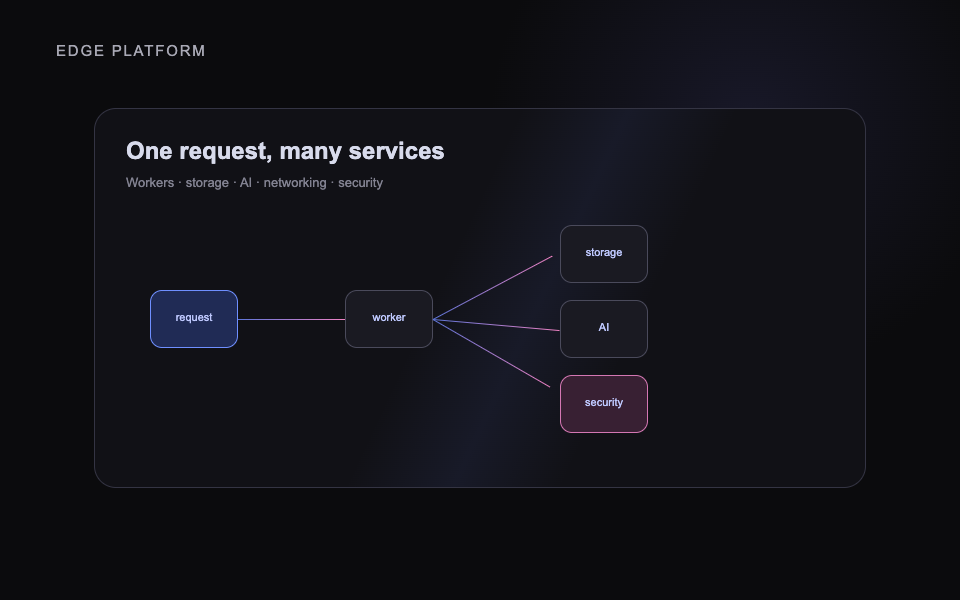
Illustration
Install
npx skills add heygen-com/hyperframes --skill media-use
Prompt
Use media-use to resolve, generate, transform, and reuse media assets for [PROJECT]. Preserve source material and project requirements.

Dependencies

Node.js 22+, FFmpeg, and a compatible skills runner

Use steps

  1. Open the official skill documentation.
  2. Install the named skill.
  3. Start a fresh agent chat.
  4. Use the skill within a HyperFrames project.
  5. Validate output with npx hyperframes check.

License

Open-source publisher skill under Apache-2.0; source is not mirrored.

Publisher resource: use its official installation and license terms. No source or private preview is distributed here.

SkillsFrom its maker's site

Cloudflare Platform

Broad Cloudflare platform guide covering Workers, storage, AI, networking and security.
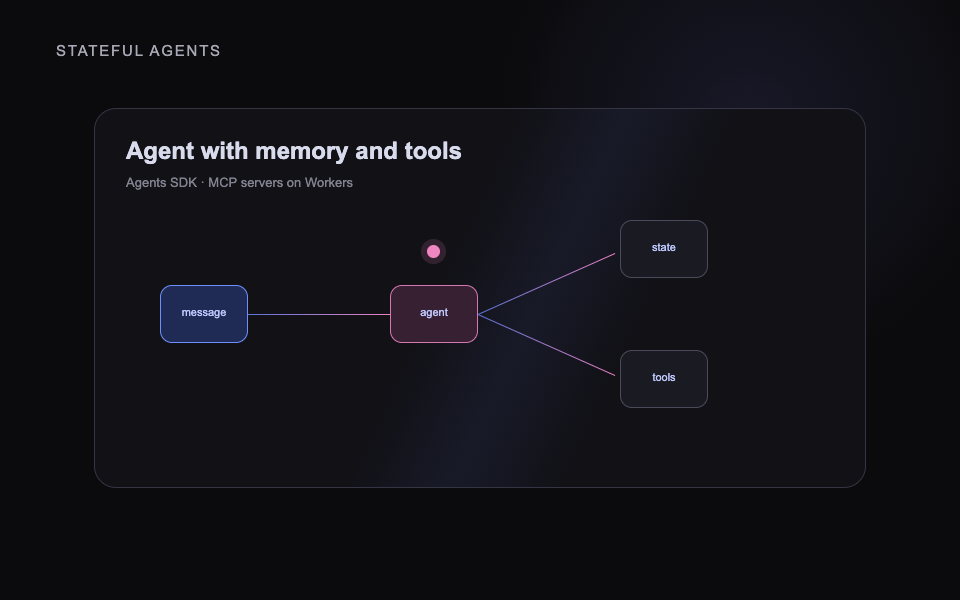
Illustration
Install
/plugin marketplace add cloudflare/skills && /plugin install cloudflare@cloudflare
Prompt
Use cloudflare to help with [CLOUDFLARE_TASK] in [PROJECT]. Explain the plan before changing code or config.

Dependencies

Claude Code or a compatible skills runner; a Cloudflare account

Use steps

  1. Open the upstream skill documentation.
  2. Run the official install command.
  3. Choose the project and agent scope.
  4. Reopen or reload the agent, then inspect findings before changes.

License

Publisher skill; use the upstream repository and license.

Publisher resource: use its official installation and license terms. No source or private preview is distributed here.

SkillsFrom its maker's site

Cloudflare Agents SDK

Builds stateful AI agents and MCP servers on Cloudflare Workers.
Illustration
Install
/plugin marketplace add cloudflare/skills && /plugin install cloudflare@cloudflare
Prompt
Use agents-sdk to help with [CLOUDFLARE_TASK] in [PROJECT]. Explain the plan before changing code or config.

Dependencies

Claude Code or a compatible skills runner; a Cloudflare account

Use steps

  1. Open the upstream skill documentation.
  2. Run the official install command.
  3. Choose the project and agent scope.
  4. Reopen or reload the agent, then inspect findings before changes.

License

Publisher skill; use the upstream repository and license.

Publisher resource: use its official installation and license terms. No source or private preview is distributed here.

SkillsFrom its maker's site

Cloudflare Email Service

Sets up transactional email sending and routing on Cloudflare.
Illustration
Install
/plugin marketplace add cloudflare/skills && /plugin install cloudflare@cloudflare
Prompt
Use cloudflare-email-service to help with [CLOUDFLARE_TASK] in [PROJECT]. Explain the plan before changing code or config.

Dependencies

Claude Code or a compatible skills runner; a Cloudflare account

Use steps

  1. Open the upstream skill documentation.
  2. Run the official install command.
  3. Choose the project and agent scope.
  4. Reopen or reload the agent, then inspect findings before changes.

License

Publisher skill; use the upstream repository and license.

Publisher resource: use its official installation and license terms. No source or private preview is distributed here.

SkillsFrom its maker's site

Cloudflare One

Guides Zero Trust and SASE setup across Access, Gateway, WARP and Tunnel.
Illustration
Install
/plugin marketplace add cloudflare/skills && /plugin install cloudflare@cloudflare
Prompt
Use cloudflare-one to help with [CLOUDFLARE_TASK] in [PROJECT]. Explain the plan before changing code or config.

Dependencies

Claude Code or a compatible skills runner; a Cloudflare account

Use steps

  1. Open the upstream skill documentation.
  2. Run the official install command.
  3. Choose the project and agent scope.
  4. Reopen or reload the agent, then inspect findings before changes.

License

Publisher skill; use the upstream repository and license.

Publisher resource: use its official installation and license terms. No source or private preview is distributed here.

SkillsFrom its maker's site

Cloudflare One Migrations

Plans migrations from legacy VPN or SASE stacks to Cloudflare One.
Illustration
Install
/plugin marketplace add cloudflare/skills && /plugin install cloudflare@cloudflare
Prompt
Use cloudflare-one-migrations to help with [CLOUDFLARE_TASK] in [PROJECT]. Explain the plan before changing code or config.

Dependencies

Claude Code or a compatible skills runner; a Cloudflare account

Use steps

  1. Open the upstream skill documentation.
  2. Run the official install command.
  3. Choose the project and agent scope.
  4. Reopen or reload the agent, then inspect findings before changes.

License

Publisher skill; use the upstream repository and license.

Publisher resource: use its official installation and license terms. No source or private preview is distributed here.

SkillsFrom its maker's site

Durable Objects

Creates and reviews Cloudflare Durable Objects for stateful coordination.
Illustration
Install
/plugin marketplace add cloudflare/skills && /plugin install cloudflare@cloudflare
Prompt
Use durable-objects to help with [CLOUDFLARE_TASK] in [PROJECT]. Explain the plan before changing code or config.

Dependencies

Claude Code or a compatible skills runner; a Cloudflare account

Use steps

  1. Open the upstream skill documentation.
  2. Run the official install command.
  3. Choose the project and agent scope.
  4. Reopen or reload the agent, then inspect findings before changes.

License

Publisher skill; use the upstream repository and license.

Publisher resource: use its official installation and license terms. No source or private preview is distributed here.

SkillsFrom its maker's site

Cloudflare Sandbox

Builds code execution apps on the stable Cloudflare Sandbox SDK.
Illustration
Install
/plugin marketplace add cloudflare/skills && /plugin install cloudflare@cloudflare
Prompt
Use sandbox-stable to help with [CLOUDFLARE_TASK] in [PROJECT]. Explain the plan before changing code or config.

Dependencies

Claude Code or a compatible skills runner; a Cloudflare account

Use steps

  1. Open the upstream skill documentation.
  2. Run the official install command.
  3. Choose the project and agent scope.
  4. Reopen or reload the agent, then inspect findings before changes.

License

Publisher skill; use the upstream repository and license.

Publisher resource: use its official installation and license terms. No source or private preview is distributed here.

SkillsFrom its maker's site

Cloudflare Sandbox Next

Builds apps on the Sandbox SDK 1.0 preview.

Illustration
Install
/plugin marketplace add cloudflare/skills && /plugin install cloudflare@cloudflare
Prompt
Use sandbox-next to help with [CLOUDFLARE_TASK] in [PROJECT]. Explain the plan before changing code or config.

Dependencies

Claude Code or a compatible skills runner; a Cloudflare account

Use steps

  1. Open the upstream skill documentation.
  2. Run the official install command.
  3. Choose the project and agent scope.
  4. Reopen or reload the agent, then inspect findings before changes.

License

Publisher skill; use the upstream repository and license.

Publisher resource: use its official installation and license terms. No source or private preview is distributed here.

SkillsFrom its maker's site

Sandbox Migration

Ports a Sandbox app from the stable SDK to the 1.0 preview.
Illustration
Install
/plugin marketplace add cloudflare/skills && /plugin install cloudflare@cloudflare
Prompt
Use sandbox-migrate-to-next to help with [CLOUDFLARE_TASK] in [PROJECT]. Explain the plan before changing code or config.

Dependencies

Claude Code or a compatible skills runner; a Cloudflare account

Use steps

  1. Open the upstream skill documentation.
  2. Run the official install command.
  3. Choose the project and agent scope.
  4. Reopen or reload the agent, then inspect findings before changes.

License

Publisher skill; use the upstream repository and license.

Publisher resource: use its official installation and license terms. No source or private preview is distributed here.

SkillsFrom its maker's site

Turnstile Setup

Adds Cloudflare Turnstile bot checks to a project end to end.
Illustration
Install
/plugin marketplace add cloudflare/skills && /plugin install cloudflare@cloudflare
Prompt
Use turnstile-spin to help with [CLOUDFLARE_TASK] in [PROJECT]. Explain the plan before changing code or config.

Dependencies

Claude Code or a compatible skills runner; a Cloudflare account

Use steps

  1. Open the upstream skill documentation.
  2. Run the official install command.
  3. Choose the project and agent scope.
  4. Reopen or reload the agent, then inspect findings before changes.

License

Publisher skill; use the upstream repository and license.

Publisher resource: use its official installation and license terms. No source or private preview is distributed here.

SkillsFrom its maker's site

Web Performance Audit

Measures Core Web Vitals and finds what slows a page down.
Illustration
Install
/plugin marketplace add cloudflare/skills && /plugin install cloudflare@cloudflare
Prompt
Use web-perf to help with [CLOUDFLARE_TASK] in [PROJECT]. Explain the plan before changing code or config.

Dependencies

Claude Code or a compatible skills runner; a Cloudflare account

Use steps

  1. Open the upstream skill documentation.
  2. Run the official install command.
  3. Choose the project and agent scope.
  4. Reopen or reload the agent, then inspect findings before changes.

License

Publisher skill; use the upstream repository and license.

Publisher resource: use its official installation and license terms. No source or private preview is distributed here.

SkillsFrom its maker's site

Workers Best Practices

Reviews Cloudflare Workers code against production best practices.
Illustration
Install
/plugin marketplace add cloudflare/skills && /plugin install cloudflare@cloudflare
Prompt
Use workers-best-practices to help with [CLOUDFLARE_TASK] in [PROJECT]. Explain the plan before changing code or config.

Dependencies

Claude Code or a compatible skills runner; a Cloudflare account

Use steps

  1. Open the upstream skill documentation.
  2. Run the official install command.
  3. Choose the project and agent scope.
  4. Reopen or reload the agent, then inspect findings before changes.

License

Publisher skill; use the upstream repository and license.

Publisher resource: use its official installation and license terms. No source or private preview is distributed here.

SkillsFrom its maker's site

Wrangler CLI

Uses the Wrangler CLI to deploy and manage Workers and their resources.
Illustration
Install
/plugin marketplace add cloudflare/skills && /plugin install cloudflare@cloudflare
Prompt
Use wrangler to help with [CLOUDFLARE_TASK] in [PROJECT]. Explain the plan before changing code or config.

Dependencies

Claude Code or a compatible skills runner; a Cloudflare account

Use steps

  1. Open the upstream skill documentation.
  2. Run the official install command.
  3. Choose the project and agent scope.
  4. Reopen or reload the agent, then inspect findings before changes.

License

Publisher skill; use the upstream repository and license.

Publisher resource: use its official installation and license terms. No source or private preview is distributed here.

SkillsFrom its maker's site

Archify Diagrams

Turns a system or workflow into a polished, explorable architecture diagram page.
Illustration
Install
npx skills add tt-a1i/archify -g
Prompt
Use archify to diagram [SYSTEM_OR_WORKFLOW]. Show the components and flows, and confirm before publishing.

Dependencies

Claude Code or a compatible skills runner

Use steps

  1. Open the upstream skill documentation.
  2. Run the official install command.
  3. Choose the project and agent scope.
  4. Reopen or reload the agent, then inspect findings before changes.

License

Publisher skill; use the upstream repository and license.

Publisher resource: use its official installation and license terms. No source or private preview is distributed here.

SkillsFrom its maker's site

Engram Memory

Gives the agent a persistent, searchable memory of decisions and discoveries.
Illustration
Install
brew install gentleman-programming/tap/engram && engram setup claude-code
Prompt
Use engram memory while working on [PROJECT]. Save key decisions and recall prior context before starting.

Dependencies

Claude Code; the engram binary

Use steps

  1. Open the upstream skill documentation.
  2. Run the official install command.
  3. Choose the project and agent scope.
  4. Reopen or reload the agent, then inspect findings before changes.

License

Publisher skill; use the upstream repository and license.

Publisher resource: use its official installation and license terms. No source or private preview is distributed here.

SkillsFrom its maker's site

TypeSafe AI

Builds features from small typed AI judgments instead of prompt and parse steps.
Illustration
Install
npx skills add typesafe-ai/skills --skill typesafe-ai
Prompt
Use typesafe-ai to find where [FEATURE] could use a typed AI decision. Propose the design before writing code.

Dependencies

Claude Code or a compatible skills runner; a TypeSafe account

Use steps

  1. Open the upstream skill documentation.
  2. Run the official install command.
  3. Choose the project and agent scope.
  4. Reopen or reload the agent, then inspect findings before changes.

License

Publisher skill; use the upstream repository and license.

Publisher resource: use its official installation and license terms. No source or private preview is distributed here.

SkillsFrom its maker's site

Edit talking head reels with your own style

Turns your raw talking head footage into finished, captioned short form reels in a consistent style, on your own computer.
Illustration
Install
git clone https://github.com/justynberk/reel-kit ~/.claude/skills/reel-kit && python3 ~/.claude/skills/reel-kit/setup/setup.py
Prompt
Use reel-kit to edit [CLIP] into a vertical reel in my style pack. Show me the storyboard before rendering.

Dependencies

Claude Code (or Codex / Cowork), ffmpeg, Node 22+, Python 3.10+

Use steps

  1. Open the upstream skill documentation.
  2. Run the official install command and the setup check until it prints READY.
  3. Add a style pack with two or three reference reels.
  4. Run /reel-kit on a clip, approve the storyboard, then render.

License

Publisher skill; use the upstream repository and license.

Publisher resource: use its official installation and license terms. No source or private preview is distributed here.

SkillsFrom its maker's site

Make paper cut stop motion videos

Drop one image and get every prompt for a handcrafted paper cut stop motion video in the tools you already use.
Illustration
Install
Open the PYNK Creative Skill Library, download the motion-design skill, and add it to Claude or Codex as a custom skill.
Prompt
Use motion-design on [IMAGE] to make a paper cut stop motion video. Walk me through each prompt.

Dependencies

Claude or Codex, plus the image and video tools you already use

Use steps

  1. Open the PYNK Creative Skill Library.
  2. Download the motion-design skill for Claude or Codex.
  3. Add it to your agent as a custom skill.
  4. Start a new task and paste the prompt.

License

Publisher skill from PYNK's Creative Skill Library; get it from PYNK and follow their terms.

Publisher resource: use its official installation and license terms. No source or private preview is distributed here.

SkillsFrom its maker's site

Make narrated Vox style explainer videos

Turns one idea into a narrated motion graphics explainer with a script, style key and a prompt for every ten second scene.
Illustration
Install
Open the PYNK Creative Skill Library, download the vox-animation skill, and add it to Claude or Codex as a custom skill.
Prompt
Use vox-animation to turn [IDEA] into a narrated explainer video.

Dependencies

Claude or Codex, plus the image and video tools you already use

Use steps

  1. Open the PYNK Creative Skill Library.
  2. Download the vox-animation skill for Claude or Codex.
  3. Add it to your agent as a custom skill.
  4. Start a new task and paste the prompt.

License

Publisher skill from PYNK's Creative Skill Library; get it from PYNK and follow their terms.

Publisher resource: use its official installation and license terms. No source or private preview is distributed here.

SkillsFrom its maker's site

Animate your ideas in a paper craft style

Writes the image and video prompts that turn your idea into paper style animation, with five named looks to pick from.
Illustration
Install
Open the PYNK Creative Skill Library, download the paper-animation skill, and add it to Claude or Codex as a custom skill.
Prompt
Use paper-animation to make [IDEA] as a layered papercraft video.

Dependencies

Claude or Codex, plus the image and video tools you already use

Use steps

  1. Open the PYNK Creative Skill Library.
  2. Download the paper-animation skill for Claude or Codex.
  3. Add it to your agent as a custom skill.
  4. Start a new task and paste the prompt.

License

Publisher skill from PYNK's Creative Skill Library; get it from PYNK and follow their terms.

Publisher resource: use its official installation and license terms. No source or private preview is distributed here.

SkillsFrom its maker's site

Make claymation videos and ads

Writes the start frame and animation prompts for stop motion clay videos, with four named claymation looks.
Illustration
Install
Open the PYNK Creative Skill Library, download the claymation skill, and add it to Claude or Codex as a custom skill.
Prompt
Use claymation to make a clay video ad for [PRODUCT].

Dependencies

Claude or Codex, plus the image and video tools you already use

Use steps

  1. Open the PYNK Creative Skill Library.
  2. Download the claymation skill for Claude or Codex.
  3. Add it to your agent as a custom skill.
  4. Start a new task and paste the prompt.

License

Publisher skill from PYNK's Creative Skill Library; get it from PYNK and follow their terms.

Publisher resource: use its official installation and license terms. No source or private preview is distributed here.

SkillsFrom its maker's site

Make a talking character video ad

Builds an animated character that talks to camera and delivers your script, for a hook or a full ad.
Illustration
Install
Open the PYNK Creative Skill Library, download the talking-object skill, and add it to Claude or Codex as a custom skill.
Prompt
Use talking-object to make [CHARACTER] deliver this script: [SCRIPT].

Dependencies

Claude or Codex, plus the image and video tools you already use

Use steps

  1. Open the PYNK Creative Skill Library.
  2. Download the talking-object skill for Claude or Codex.
  3. Add it to your agent as a custom skill.
  4. Start a new task and paste the prompt.

License

Publisher skill from PYNK's Creative Skill Library; get it from PYNK and follow their terms.

Publisher resource: use its official installation and license terms. No source or private preview is distributed here.

SkillsFrom its maker's site

Make viral what happens if skeleton ads

Turns a product into a narrated day 1 to day 365 skeleton story ad modeled on the viral format.
Illustration
Install
Open the PYNK Creative Skill Library, download the skeleton-ads skill, and add it to Claude or Codex as a custom skill.
Prompt
Use skeleton-ads to make a skeleton ad for [PRODUCT].

Dependencies

Claude or Codex, plus the image and video tools you already use

Use steps

  1. Open the PYNK Creative Skill Library.
  2. Download the skeleton-ads skill for Claude or Codex.
  3. Add it to your agent as a custom skill.
  4. Start a new task and paste the prompt.

License

Publisher skill from PYNK's Creative Skill Library; get it from PYNK and follow their terms.

Publisher resource: use its official installation and license terms. No source or private preview is distributed here.

SkillsFrom its maker's site

Turn your product into a music video ad

Writes a micro music video ad where an original song carries the story over animated visuals.
Illustration
Install
Open the PYNK Creative Skill Library, download the song-style-ad skill, and add it to Claude or Codex as a custom skill.
Prompt
Use song-style-ad to make a song ad for [PRODUCT].

Dependencies

Claude or Codex, plus the image and video tools you already use

Use steps

  1. Open the PYNK Creative Skill Library.
  2. Download the song-style-ad skill for Claude or Codex.
  3. Add it to your agent as a custom skill.
  4. Start a new task and paste the prompt.

License

Publisher skill from PYNK's Creative Skill Library; get it from PYNK and follow their terms.

Publisher resource: use its official installation and license terms. No source or private preview is distributed here.

SkillsFrom its maker's site

Make realistic UGC review ads with AI

A guided pipeline that turns a product into a realistic 15 second selfie review ad, from model to final video prompt.
Illustration
Install
Open the PYNK Creative Skill Library, download the ugc skill, and add it to Claude or Codex as a custom skill.
Prompt
Use ugc to make a 15 second review ad for [PRODUCT].

Dependencies

Claude or Codex, plus the image and video tools you already use

Use steps

  1. Open the PYNK Creative Skill Library.
  2. Download the ugc skill for Claude or Codex.
  3. Add it to your agent as a custom skill.
  4. Start a new task and paste the prompt.

License

Publisher skill from PYNK's Creative Skill Library; get it from PYNK and follow their terms.

Publisher resource: use its official installation and license terms. No source or private preview is distributed here.

SkillsFrom its maker's site

Write cinematic video prompts that hold together

A cinema direction pipeline that turns your reference images into production ready Seedance video prompts.
Illustration
Install
Open the PYNK Creative Skill Library, download the video-prompter skill, and add it to Claude or Codex as a custom skill.
Prompt
Use video-prompter with these references to write the prompts for [SCENE].

Dependencies

Claude or Codex, plus the image and video tools you already use

Use steps

  1. Open the PYNK Creative Skill Library.
  2. Download the video-prompter skill for Claude or Codex.
  3. Add it to your agent as a custom skill.
  4. Start a new task and paste the prompt.

License

Publisher skill from PYNK's Creative Skill Library; get it from PYNK and follow their terms.

Publisher resource: use its official installation and license terms. No source or private preview is distributed here.

SkillsFrom its maker's site

Build consistent characters and scenes for video

Builds reusable character, outfit and scene reference images so every shot of your video matches.
Illustration
Install
Open the PYNK Creative Skill Library, download the image-prompter skill, and add it to Claude or Codex as a custom skill.
Prompt
Use image-prompter to build a character sheet for [CHARACTER].

Dependencies

Claude or Codex, plus the image and video tools you already use

Use steps

  1. Open the PYNK Creative Skill Library.
  2. Download the image-prompter skill for Claude or Codex.
  3. Add it to your agent as a custom skill.
  4. Start a new task and paste the prompt.

License

Publisher skill from PYNK's Creative Skill Library; get it from PYNK and follow their terms.

Publisher resource: use its official installation and license terms. No source or private preview is distributed here.

SkillsFrom its maker's site

Direct a full video ad from brief to final shots

An ad director that plans and writes every shot of a commercial, product video or launch film.
Illustration
Install
Open the PYNK Creative Skill Library, download the ad-director skill, and add it to Claude or Codex as a custom skill.
Prompt
Use ad-director to plan a 30 second ad for [PRODUCT].

Dependencies

Claude or Codex, plus the image and video tools you already use

Use steps

  1. Open the PYNK Creative Skill Library.
  2. Download the ad-director skill for Claude or Codex.
  3. Add it to your agent as a custom skill.
  4. Start a new task and paste the prompt.

License

Publisher skill from PYNK's Creative Skill Library; get it from PYNK and follow their terms.

Publisher resource: use its official installation and license terms. No source or private preview is distributed here.

SkillsFrom its maker's site

Build every image an ad needs, in order

Locks the character, scene and product images first so the video ad stays consistent; pairs with the ad director.
Illustration
Install
Open the PYNK Creative Skill Library, download the ad-assets skill, and add it to Claude or Codex as a custom skill.
Prompt
Use ad-assets to build the character, scene and product references for my [PRODUCT] ad.

Dependencies

Claude or Codex, plus the image and video tools you already use

Use steps

  1. Open the PYNK Creative Skill Library.
  2. Download the ad-assets skill for Claude or Codex.
  3. Add it to your agent as a custom skill.
  4. Start a new task and paste the prompt.

License

Publisher skill from PYNK's Creative Skill Library; get it from PYNK and follow their terms.

Publisher resource: use its official installation and license terms. No source or private preview is distributed here.

SkillsFrom its maker's site

Make premium static ads from 40 proven templates

Writes static ad image prompts for any brand from 40 battle tested ad templates.
Illustration
Install
Open the PYNK Creative Skill Library, download the ad-generator skill, and add it to Claude or Codex as a custom skill.
Prompt
Use ad-generator to make five static ads for [BRAND].

Dependencies

Claude or Codex, plus the image and video tools you already use

Use steps

  1. Open the PYNK Creative Skill Library.
  2. Download the ad-generator skill for Claude or Codex.
  3. Add it to your agent as a custom skill.
  4. Start a new task and paste the prompt.

License

Publisher skill from PYNK's Creative Skill Library; get it from PYNK and follow their terms.

Publisher resource: use its official installation and license terms. No source or private preview is distributed here.

SkillsFrom its maker's site

Put your product into any scene

Places your product into a lifestyle shot or a campaign you admire and writes the ready to paste image prompt.
Illustration
Install
Open the PYNK Creative Skill Library, download the product-visuals skill, and add it to Claude or Codex as a custom skill.
Prompt
Use product-visuals to put [PRODUCT] into this scene: [REFERENCE].

Dependencies

Claude or Codex, plus the image and video tools you already use

Use steps

  1. Open the PYNK Creative Skill Library.
  2. Download the product-visuals skill for Claude or Codex.
  3. Add it to your agent as a custom skill.
  4. Start a new task and paste the prompt.

License

Publisher skill from PYNK's Creative Skill Library; get it from PYNK and follow their terms.

Publisher resource: use its official installation and license terms. No source or private preview is distributed here.

SkillsFrom its maker's site

Turn a phone photo into a clean studio product shot

Turns any product photo into one ready to paste prompt for a clean studio shot on a flat background.
Illustration
Install
Open the PYNK Creative Skill Library, download the studio-shot skill, and add it to Claude or Codex as a custom skill.
Prompt
Use studio-shot on this photo of [PRODUCT].

Dependencies

Claude or Codex, plus the image and video tools you already use

Use steps

  1. Open the PYNK Creative Skill Library.
  2. Download the studio-shot skill for Claude or Codex.
  3. Add it to your agent as a custom skill.
  4. Start a new task and paste the prompt.

License

Publisher skill from PYNK's Creative Skill Library; get it from PYNK and follow their terms.

Publisher resource: use its official installation and license terms. No source or private preview is distributed here.

SkillsFrom its maker's site

Find brands to sell AI creative services to

Finds small founder run product brands and builds a clean lead list of real public company emails; it never sends outreach.
Illustration
Install
Open the PYNK Creative Skill Library, download the lead-generator skill, and add it to Claude or Codex as a custom skill.
Prompt
Use lead-generator to find 50 brands in [NICHE] that would buy AI ads.

Dependencies

Claude or Codex, plus the image and video tools you already use

Use steps

  1. Open the PYNK Creative Skill Library.
  2. Download the lead-generator skill for Claude or Codex.
  3. Add it to your agent as a custom skill.
  4. Start a new task and paste the prompt.

License

Publisher skill from PYNK's Creative Skill Library; get it from PYNK and follow their terms.

Publisher resource: use its official installation and license terms. No source or private preview is distributed here.

SkillsFrom its maker's site

Code-Made Short Films

Directs, draws, scores and mixes a short film in one of 43 code-rendered art styles.
Illustration
Install
claude plugin marketplace add lemomo-ai/lemo-opuscar && claude plugin install lemo-opuscar@lemolab
Prompt
Use lemo-opuscar to make a [LENGTH] film in the [STYLE] style about [STORY]. Show the storyboard before rendering.

Dependencies

Claude Code, Node, Python, Chrome and ffmpeg

Use steps

  1. Open the upstream skill documentation.
  2. Run the official install command.
  3. Choose the project and agent scope.
  4. Reopen or reload the agent, then inspect findings before changes.

License

Publisher skill; use the upstream repository and license.

Publisher resource: use its official installation and license terms. No source or private preview is distributed here.

SkillsFrom its maker's site

Shorter Agent Answers

Makes your agent answer in terse plain lines that keep every technical fact.
Illustration
Install
npx skills add JuliusBrussee/caveman -g
Prompt
Use caveman mode for this session. Keep every fact, command and error string exact.

Dependencies

Claude Code or a compatible skills runner

Use steps

  1. Open the upstream skill documentation.
  2. Run the official install command.
  3. Choose the project and agent scope.
  4. Reopen or reload the agent, then inspect findings before changes.

License

Publisher skill; use the upstream repository and license.

Publisher resource: use its official installation and license terms. No source or private preview is distributed here.

SkillsFrom its maker's site

Crafted Product Interfaces

Designs and refines dashboards, tools and app screens with deliberate hierarchy and tokens.
Illustration
Install
npx skills add https://github.com/dammyjay93/interface-design --skill interface-design -g
Prompt
Use interface-design to design [SCREEN_OR_APP]. Propose the direction and tokens before building.

Dependencies

Claude Code or a compatible skills runner

Use steps

  1. Open the upstream skill documentation.
  2. Run the official install command.
  3. Choose the project and agent scope.
  4. Reopen or reload the agent, then inspect findings before changes.

License

Publisher skill; use the upstream repository and license.

Publisher resource: use its official installation and license terms. No source or private preview is distributed here.

SkillsFrom its maker's site

One-Take Launch Films

Makes short product launch films where every beat grows out of the last, with no cuts. Free for noncommercial use.
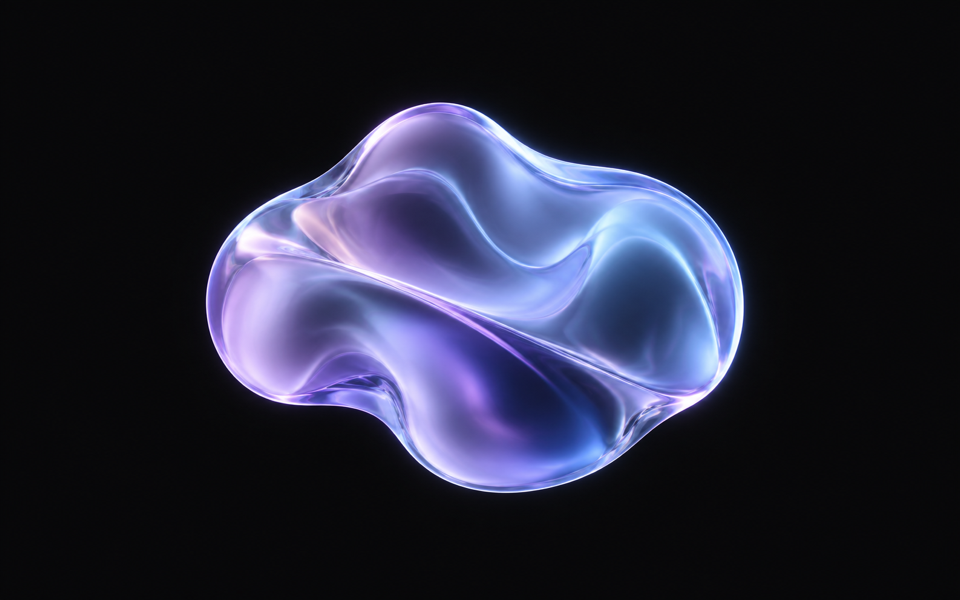
Illustration
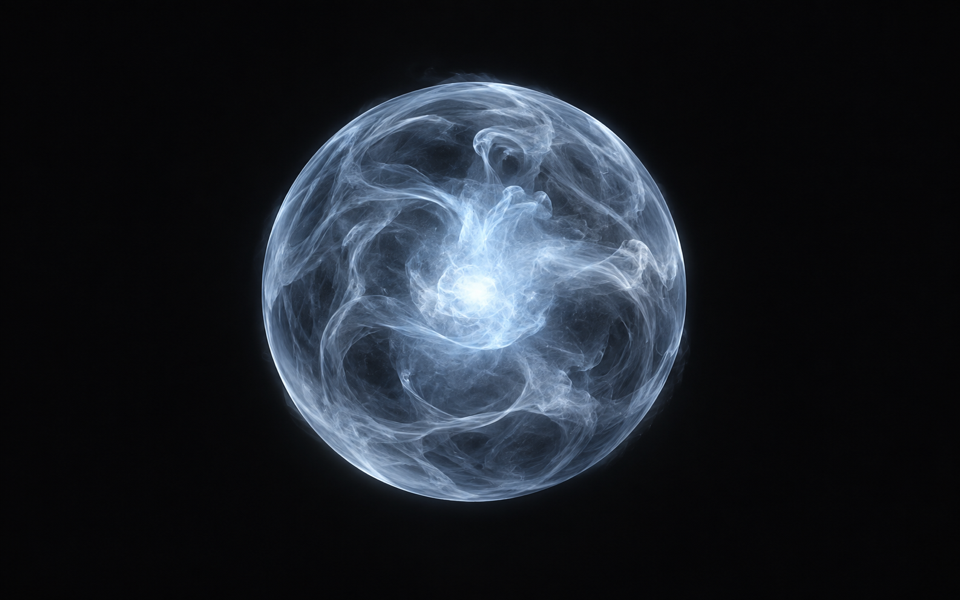
Install
git clone https://github.com/feitangyuan/onetake.git ~/.claude/skills/onetake
Prompt
Use onetake to make a 15 second launch film for [PRODUCT]. Show three concepts and the beat sheet before rendering.

Dependencies

Claude Code or Codex, Python 3 with Playwright, Node and ffmpeg

Use steps

  1. Open the upstream skill documentation.
  2. Run the official install command.
  3. Choose the project and agent scope.
  4. Reopen or reload the agent, then inspect findings before changes.

License

Publisher skill; use the upstream repository and license.

Publisher resource: use its official installation and license terms. No source or private preview is distributed here.

OrbsFrom its maker's site

Aura Blob

Aura Blob orb component from React Bits Pro.

Illustration
Prompt
Use the official aura-blob component from React Bits Pro for [PAGE_OR_COMPONENT]. Preserve existing content and functionality.

Dependencies

React, Node 18+, shadcn, and your own React Bits Pro license

Use steps

  1. Open the official publisher documentation.
  2. Verify the component and license.
  3. Set up the official registry in your project.
  4. Use the exact publisher command shown there.

License

Paid publisher resource; use your own license. Source and keys are not mirrored.

Publisher resource: use its official installation and license terms. No source or private preview is distributed here.

OrbsFrom its maker's site

Fog Sphere

Fog Sphere orb component from React Bits Pro.

Illustration
Prompt
Use the official fog-sphere component from React Bits Pro for [PAGE_OR_COMPONENT]. Preserve existing content and functionality.

Dependencies

React, Node 18+, shadcn, and your own React Bits Pro license

Use steps

  1. Open the official publisher documentation.
  2. Verify the component and license.
  3. Set up the official registry in your project.
  4. Use the exact publisher command shown there.

License

Paid publisher resource; use your own license. Source and keys are not mirrored.

Publisher resource: use its official installation and license terms. No source or private preview is distributed here.

OrbsFrom its maker's site

Specter Orb

Specter Orb component from React Bits Pro.

Illustration
Prompt
Use the official specter-orb component from React Bits Pro for [PAGE_OR_COMPONENT]. Preserve existing content and functionality.

Dependencies

React, Node 18+, shadcn, and your own React Bits Pro license

Use steps

  1. Open the official publisher documentation.
  2. Verify the component and license.
  3. Set up the official registry in your project.
  4. Use the exact publisher command shown there.

License

Paid publisher resource; use your own license. Source and keys are not mirrored.

Publisher resource: use its official installation and license terms. No source or private preview is distributed here.

OrbsFrom its maker's site

Agentic Ball

Agentic Ball component from React Bits Pro.

Illustration
Prompt
Use the official agentic-ball component from React Bits Pro for [PAGE_OR_COMPONENT]. Preserve existing content and functionality.

Dependencies

React, Node 18+, shadcn, and your own React Bits Pro license

Use steps

  1. Open the official publisher documentation.
  2. Verify the component and license.
  3. Set up the official registry in your project.
  4. Use the exact publisher command shown there.

License

Paid publisher resource; use your own license. Source and keys are not mirrored.

Publisher resource: use its official installation and license terms. No source or private preview is distributed here.

LibrariesFrom its maker's site

Transitions.dev

Publisher skills and transition tooling from Transitions.dev.
Illustration
Install
npx skills add Jakubantalik/transitions.dev
Prompt
Use transitions-dev from its official publisher path for [PAGE_OR_COMPONENT]. Preserve existing content and functionality.

Dependencies

Project setup per publisher

Use steps

  1. Open the official publisher documentation.
  2. Find the named library or access path and check its requirements.
  3. Use the official install path with your own account or license when required.
  4. Test the result with reduced motion.

License

Publisher access; follow the publisher terms.

Publisher resource: use its official installation and license terms. No source or private preview is distributed here.

LibrariesFrom its maker's site

Transitions Pro

Pro transition recipes from Transitions.dev.

Illustration
Install
npx transitions-pro login
npx transitions-pro list
Prompt
Use transitions-pro from its official publisher path for [PAGE_OR_COMPONENT]. Preserve existing content and functionality.

Dependencies

Own Transitions Pro access

Use steps

  1. Open the official publisher documentation.
  2. Find the named library or access path and check its requirements.
  3. Use the official install path with your own account or license when required.
  4. Test the result with reduced motion.

License

Publisher access; follow the publisher terms.

Publisher resource: use its official installation and license terms. No source or private preview is distributed here.

LibrariesFrom its maker's site

Transitions Refine

Live-app transition refinement workflow from Transitions.dev.
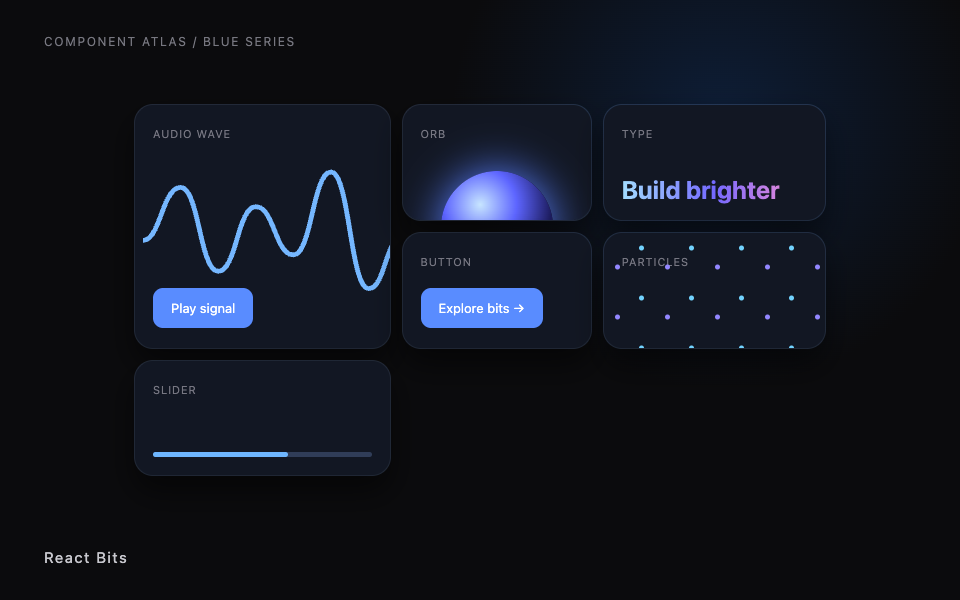
Illustration
Install
npx transitions-refine live
Prompt
Use transitions-refine from its official publisher path for [PAGE_OR_COMPONENT]. Preserve existing content and functionality.

Dependencies

A locally running app

Use steps

  1. Open the official publisher documentation.
  2. Find the named library or access path and check its requirements.
  3. Use the official install path with your own account or license when required.
  4. Test the result with reduced motion.

License

Publisher access; follow the publisher terms.

Publisher resource: use its official installation and license terms. No source or private preview is distributed here.

LibrariesFrom its maker's site

React Bits

Open React components and effects from React Bits.

Illustration
Prompt
Use react-bits from its official publisher path for [PAGE_OR_COMPONENT]. Preserve existing content and functionality.

Dependencies

Project setup per publisher

Use steps

  1. Open the official publisher documentation.
  2. Find the named library or access path and check its requirements.
  3. Use the official install path with your own account or license when required.
  4. Test the result with reduced motion.

License

MIT plus Commons Clause; no library repackaging.

Publisher resource: use its official installation and license terms. No source or private preview is distributed here.

LibrariesFrom its maker's site

React Bits Pro

Paid React Bits Pro publisher components and docs.

Illustration
Prompt
Use react-bits-pro from its official publisher path for [PAGE_OR_COMPONENT]. Preserve existing content and functionality.

Dependencies

Own paid license and supported React setup

Use steps

  1. Open the official publisher documentation.
  2. Find the named library or access path and check its requirements.
  3. Use the official install path with your own account or license when required.
  4. Test the result with reduced motion.

License

Publisher license; no source mirroring.

Publisher resource: use its official installation and license terms. No source or private preview is distributed here.

LibrariesFrom its maker's site

GSAP

Animation platform and documented JavaScript tooling.

Illustration
Install
npm install gsap
Prompt
Use gsap from its official publisher path for [PAGE_OR_COMPONENT]. Preserve existing content and functionality.

Dependencies

Project setup per publisher

Use steps

  1. Open the official publisher documentation.
  2. Find the named library or access path and check its requirements.
  3. Use the official install path with your own account or license when required.
  4. Test the result with reduced motion.

License

Use the publisher license and current terms.

Publisher resource: use its official installation and license terms. No source or private preview is distributed here.

LibrariesFrom its maker's site

Motion

Motion animation library and quick-start documentation.

Illustration
Install
npm install motion
Prompt
Use motion from its official publisher path for [PAGE_OR_COMPONENT]. Preserve existing content and functionality.

Dependencies

Project setup per publisher

Use steps

  1. Open the official publisher documentation.
  2. Find the named library or access path and check its requirements.
  3. Use the official install path with your own account or license when required.
  4. Test the result with reduced motion.

License

Use the publisher license and current terms.

Publisher resource: use its official installation and license terms. No source or private preview is distributed here.

LibrariesFrom its maker's site

Lenis

Smooth scrolling library from Darkroom Engineering.

Illustration
Install
npm install lenis
Prompt
Use lenis from its official publisher path for [PAGE_OR_COMPONENT]. Preserve existing content and functionality.

Dependencies

Project setup per publisher

Use steps

  1. Open the official publisher documentation.
  2. Find the named library or access path and check its requirements.
  3. Use the official install path with your own account or license when required.
  4. Test the result with reduced motion.

License

Use the publisher license and current terms.

Publisher resource: use its official installation and license terms. No source or private preview is distributed here.

LibrariesFrom its maker's site

Vanta

Animated WebGL background effects from Vanta.js.

Illustration
Prompt
Use vanta from its official publisher path for [PAGE_OR_COMPONENT]. Preserve existing content and functionality.

Dependencies

Project setup per publisher

Use steps

  1. Open the official publisher documentation.
  2. Find the named library or access path and check its requirements.
  3. Use the official install path with your own account or license when required.
  4. Test the result with reduced motion.

License

Use the publisher license and current terms.

Publisher resource: use its official installation and license terms. No source or private preview is distributed here.